
TL;DR:
- Video file compression with H.265 or AV1 reduces storage needs by 70-85 percent without quality loss.
- Affordable storage options like Backblaze B2 and Wasabi offer significant savings when combined with file compression.
- Focusing on reducing file sizes before choosing a platform yields up to 90 percent cost savings on video storage.
High-resolution video files are quietly draining budgets for content creators and small businesses everywhere. A single 4K project can run 50GB or more, and as your library grows, so does the monthly bill for keeping it all safe and accessible. The good news is that smart storage is not just about picking a cloud provider and hoping for the best. The two biggest levers, compression technology and platform selection, can work together to cut your costs by 80% or more. This guide walks you through the most proven methods to store video affordably without sacrificing a single frame of quality.
Table of Contents
- What makes storage cost-effective?
- Best file compression methods for savings
- Most affordable cloud storage platforms
- Choosing your ideal workflow: Compression meets cloud
- Why most creators overpay—and how we really cut storage bills
- Calculate your own video storage savings
- Frequently asked questions
Key Takeaways
| Point | Details |
|---|---|
| Compression first | Reducing file size with H.265 or AV1 saves the most on storage over time. |
| Choose smart platforms | Backblaze B2 and Wasabi offer the best value for cloud video storage depending on your access needs. |
| Combine methods | The biggest savings come from efficiently compressing files and using the right storage provider together. |
| Review regularly | Reassess workflows yearly to keep costs low as technologies and pricing change. |
What makes storage cost-effective?
Before you compare platforms or pricing pages, you need a clear framework for what "cost-effective" actually means for video storage. Not all savings are equal, and some deals that look cheap upfront hide expensive surprises later.
Here are the key criteria worth evaluating for any storage solution:
- Compression efficiency: How much smaller can your files get before uploading? This is the single biggest driver of long-term cost.
- Per-TB price: The base rate you pay per terabyte per month, which varies wildly between providers.
- File access fees (egress): Some platforms charge you every time you download or stream your own files. These fees add up fast.
- Long-term durability: Redundancy and reliability matter. Losing footage is far more expensive than storing it.
- Predictable pricing models: Flat-rate plans are easier to budget than pay-as-you-go when access patterns are irregular.
Compression technology deserves special attention here. Codecs like H.265 (also called HEVC) and AV1 are modern video compression standards that reduce file size dramatically without degrading the image you see on screen. Think of them as a smarter way to pack the same information into a smaller box. Combining compression with affordable storage services yields the largest cost savings, because you are paying to store far fewer gigabytes in the first place.
Hidden costs are where many creators get burned. A provider offering $5 per TB sounds great until you realize they charge $0.09 per GB for every download. If you regularly pull files for editing or client delivery, those egress fees can exceed your base storage bill within a few months. Always model your total annual cost, not just the sticker price.
Pro Tip: Calculate your total storage cost over 12 to 24 months, factoring in both base storage and expected download volume. A slightly higher flat-rate plan often beats a cheap pay-as-you-go option once you account for access fees.
Best file compression methods for savings
Now that you know what makes storage cost-effective, let's focus on the first and most powerful lever: reducing your actual file size.
Compression is where the real money is saved. H.265/AV1 with HandBrake typically shrinks files by 70 to 85% without quality loss, which means a 100GB project folder could become 15 to 30GB after processing. At $6 per TB per month, that reduction alone saves roughly $40 to $60 per year on that single project. Scale that across dozens of projects and the savings become significant fast.
Here is a practical step-by-step approach to batch video compression:
- Audit your library first. Identify which files are uncompressed or use older codecs like H.264. These are your biggest targets.
- Choose your codec. H.265 is faster to encode and works on virtually every device and platform. AV1 is more efficient but takes longer to process and has slightly less device support in 2026.
- Download HandBrake. This free, open-source tool supports both H.265 and AV1 and handles batch processing well.
- Set your quality target. A Constant Rate Factor (CRF) of 22 to 28 in H.265 gives excellent visual quality at dramatically smaller sizes.
- Run a test encode. Always compress one file and compare it visually before processing your entire archive.
- Batch process overnight. Encoding is CPU-intensive. Schedule large batches to run while you sleep.
"AV1 offers the best efficiency for long-term archiving, but H.265 balances speed and compatibility far better for active production workflows."
For creators who work with mobile video compression or smartphone footage, H.265 is almost always the right choice because it encodes quickly and the output plays natively on modern phones, TVs, and editing software. Following solid compression best practices from the start prevents the painful process of re-encoding an entire archive later.
Most affordable cloud storage platforms
Once you've reduced your file sizes, the next major cost factor is the platform you choose to store your media.
Three providers consistently stand out for video creators in 2026. Backblaze B2 is $6/TB; Wasabi is competitive with no egress fees; AWS S3 is significantly pricier unless you use deep archive tiers.
| Provider | Price per TB/month | Egress fees | Best use case |
|---|---|---|---|
| Backblaze B2 | $6 | $0.01/GB after 3x storage | Low-access archiving |
| Wasabi | ~$7.99 | None | Frequent access workflows |
| AWS S3 Standard | ~$23 | $0.09/GB | Enterprise integrations |
| AWS S3 Glacier | ~$4 | High retrieval fees | Cold, rarely accessed archives |
Here is what each option does best:
- Backblaze B2 is the go-to for creators who upload files and rarely touch them. The pay-as-you-go model keeps costs low for pure archiving.
- Wasabi charges a flat rate with zero egress fees, which makes it ideal if you regularly access your stored footage for editing, review, or client sharing. The advantages of cloud file storage become most obvious with providers like Wasabi that remove surprise fees entirely.
- AWS S3 makes sense only if you need deep integrations with other Amazon Web Services tools or are building automated pipelines. For standalone video storage, the cost is hard to justify.
The right choice depends on your access frequency. If you upload a completed project and never touch it again, Backblaze B2 wins on price. If you pull files weekly for client revisions or new edits, Wasabi's flat rate saves more over time. Exploring cost-saving storage strategies tailored to video creators can help you map your actual usage patterns before committing to a plan. For teams upgrading storage from consumer solutions like Google Drive or iCloud, either B2 or Wasabi represents a dramatic improvement in value.
Choosing your ideal workflow: Compression meets cloud
With the main storage platforms explored, let's see how the workflow looks in practice, linking compression and affordable cloud for maximum benefit.
The most cost-efficient approach combines aggressive compression before upload with tiered cloud storage based on how often you need each file. Combining advanced compression and cheap storage like Backblaze can cut costs by 80 to 90%, which is a number that becomes very real when you are managing terabytes of footage.

| Scenario | Raw file size | After H.265 compression | Monthly cost (B2) | Annual savings vs. uncompressed |
|---|---|---|---|---|
| One 4K project | 100GB | 20GB | $0.12 | ~$4.80 |
| 10 projects | 1TB | 200GB | $1.20 | ~$48 |
| 50 projects | 5TB | 1TB | $6 | ~$240 |
| 100 projects | 10TB | 2TB | $12 | ~$480 |
Here is how to build a practical workflow:
- Active projects: Keep current work on fast local storage or a low-latency cloud tier. Do not compress until the project is locked.
- Completed projects: Run H.265 compression, then upload to Backblaze B2 or Wasabi depending on your access needs.
- Raw footage archives: These benefit most from compression. Store on the cheapest tier available since you rarely need the originals after editing.
Pro Tip: Set a monthly calendar reminder to review files older than 90 days. Migrate anything you have not touched to a cheaper storage class or external drive. This one habit can save hundreds per year as your library grows.
Knowing how compression reduces cost at every stage of your workflow makes it easier to build habits that scale. For creators building long-term libraries, leveraging HEVC as a core part of your storage strategy is one of the highest-return investments you can make. Video is also becoming a core business asset, and understanding the value of video marketing makes the case for storing it efficiently even stronger.
Why most creators overpay—and how we really cut storage bills
Here is the uncomfortable truth most storage guides avoid: the majority of creators overpay not because they chose the wrong cloud provider, but because they never addressed file size in the first place.
We have seen this pattern repeatedly. A creator spends hours comparing Backblaze vs. Wasabi pricing, switches providers, saves $3 a month, and celebrates. Meanwhile, their uncompressed 4K files are still sitting there, five times larger than they need to be. The real savings were always in the compression step, not the platform switch.
Pairing aggressive compression with smarter cloud storage selection yields up to 90% savings, but only when both steps happen together. Compression alone, even without switching providers, often delivers more savings than any platform deal ever could.
The lesson we keep coming back to is simple. Invest 15 minutes learning HandBrake or a tool like HEVCut, apply it to your archive, and the savings compound every single month going forward. No storage platform can match the 80%+ reduction that comes from simply cutting storage costs at the source. Chase the file size first. Then optimize the platform.
Calculate your own video storage savings
Ready to see what these strategies mean for your actual budget? The fastest way to get a concrete number is to use the free video size calculator on HEVCut, which shows you exactly how much storage you would save after compression.
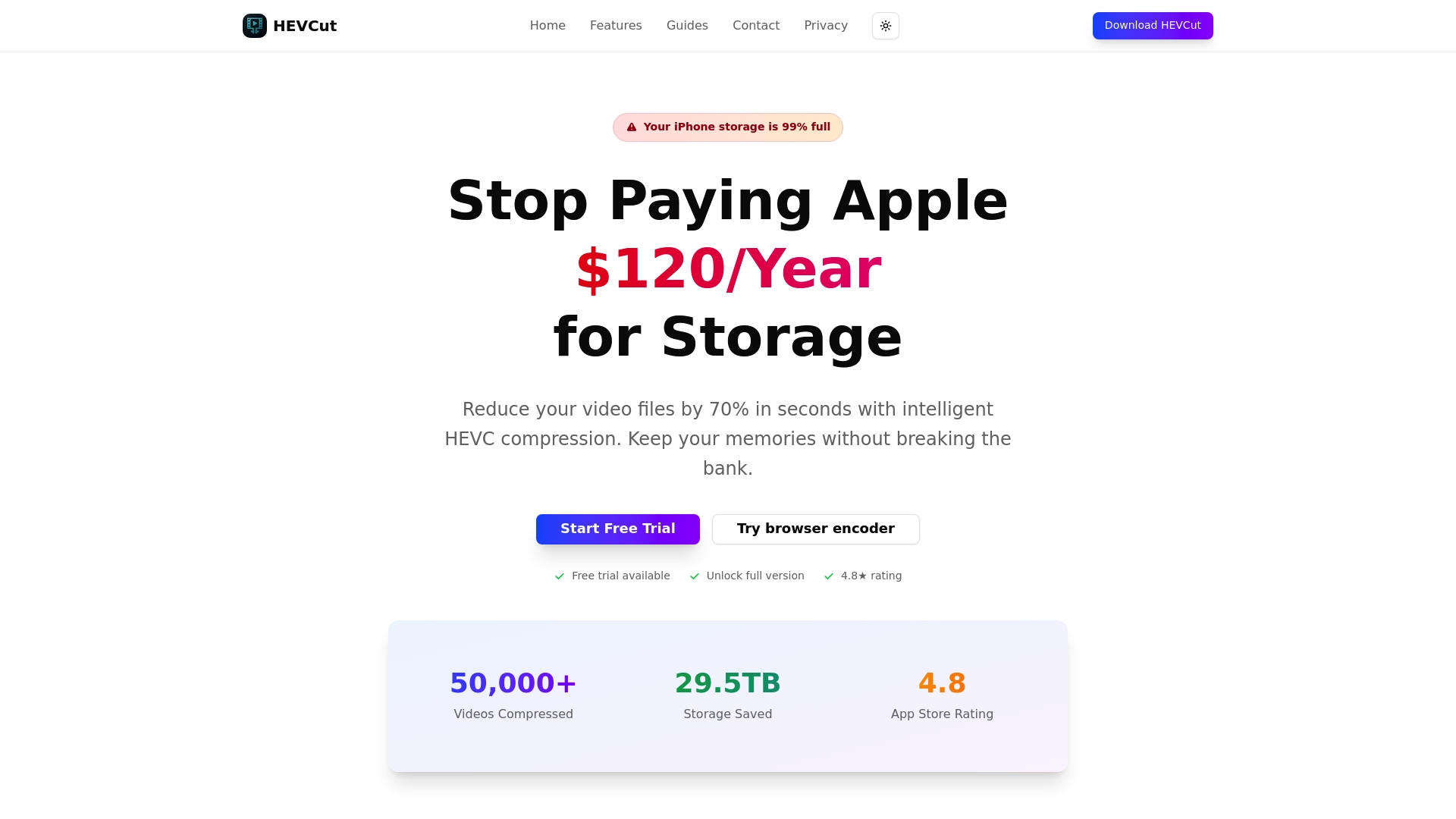
HEVCut makes it easy to compress video files using H.265 technology, whether you are processing a single file or building a recurring workflow for your entire content library. The platform is built for creators and small businesses who want real savings without a steep technical learning curve. Explore the tools, run your numbers, and see how much you could save starting this month.
Frequently asked questions
How much can video compression reduce my storage costs?
Using H.265 or AV1 compression can cut your video storage needs by 70 to 85%, often saving 80% or more compared to storing uncompressed files.
Which cloud storage provider is cheapest for video archives?
Backblaze B2 at $6/TB is often the most affordable option; Wasabi offers a no-egress flat rate, which may save more if you access files frequently.
Is it worth learning advanced compression for small businesses?
Absolutely. Even a basic setup using HandBrake with H.265 or AV1 can save your business thousands in annual storage costs as your library grows with compression.
Do I lose video quality by compressing with H.265 or AV1?
No. These codecs deliver significant size reduction with minimal quality loss when settings are chosen carefully, making them safe for professional use.
Recommended
- Cost-saving storage strategies for video creators 2026
- Top storage management tips for video creators: save space & costs
- Step by step storage saving guide for video creators 2026
- 5 proven ways to save on cloud storage for video creators
- How to Backup Data Securely and Protect Your Business | Re-Solution