
Managing high-resolution video files presents a constant challenge for content creators. Storage costs spiral as 4K and HDR libraries grow, forcing difficult decisions about which files to keep or delete. This comprehensive guide walks you through a proven, step-by-step approach to reduce video storage by 40-60% using modern compression codecs while maintaining the visual quality your audience expects.
Table of Contents
Key takeaways
| Point | Details |
|---|---|
| Codec selection matters | Advanced codecs reduce file sizes by up to 60% compared to older formats while maintaining quality. |
| CRF balances quality and size | Using Constant Rate Factor encoding gives you precise control over the quality-to-compression ratio. |
| Preparation prevents problems | Testing sample files, verifying compatibility, and understanding codec trade-offs ensure successful batch processing. |
| Compatibility drives decisions | Your target playback devices and platforms should determine which codec you choose. |
| Verification confirms success | Measuring actual savings and testing playback quality validates your compression strategy. |
What you need before optimizing video storage
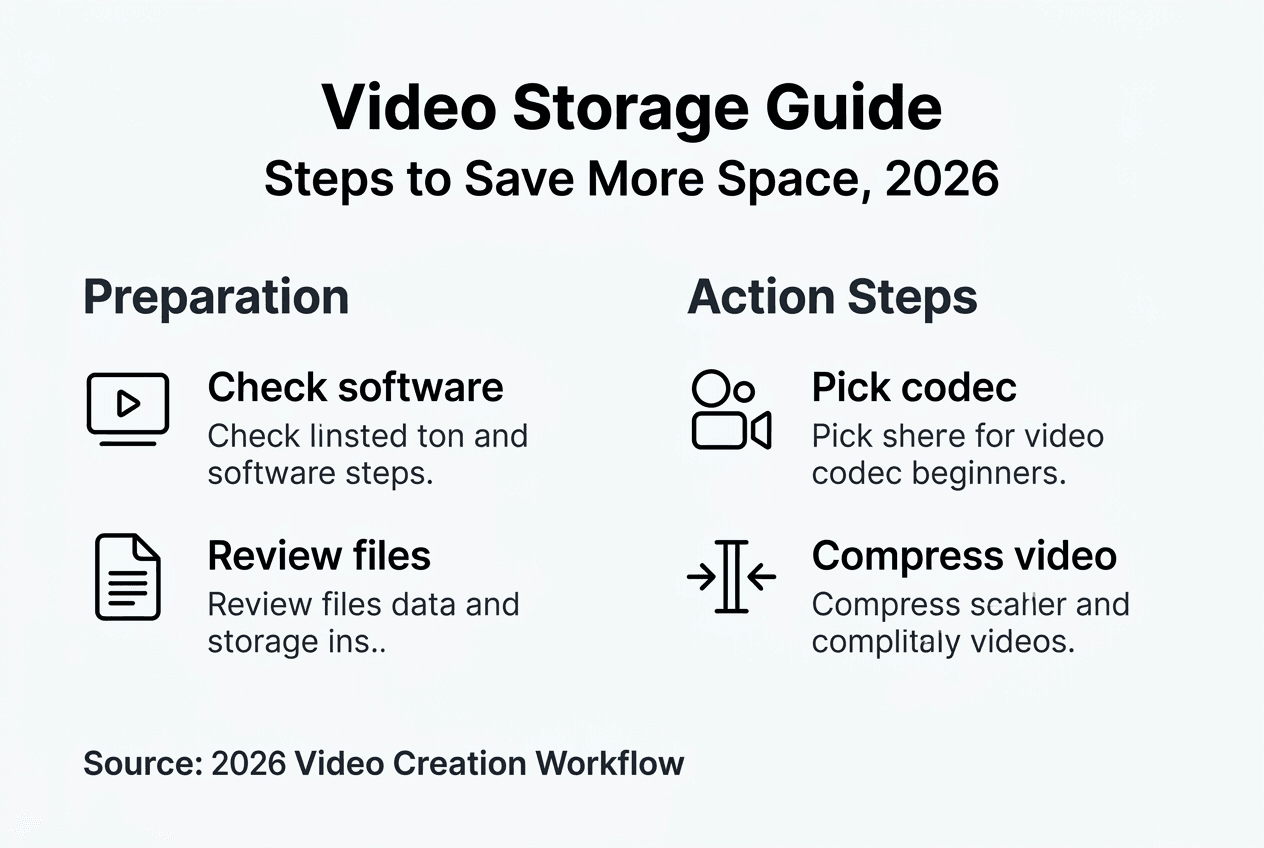
Successful video compression starts with the right foundation. Before encoding a single frame, you need compatible software, hardware capable of handling the processing load, and a clear understanding of which codec matches your workflow.
FFmpeg remains the industry standard for video encoding, offering command-line control over every compression parameter. Alternatives like HandBrake provide user-friendly interfaces built on FFmpeg's engine. Your computer needs sufficient processing power; modern CPUs with dedicated encoding instructions dramatically speed up the process, while older hardware may struggle with newer codecs.

Choosing a codec isn't about picking