
Video storage costs are climbing fast as content creators and small businesses produce more high-resolution footage. You're caught between keeping your videos looking sharp and managing ballooning storage bills. The good news? You don't have to choose between quality and cost. This guide delivers practical, expert-backed strategies to slash your storage expenses while preserving the visual fidelity your audience expects. You'll learn how to evaluate compression technologies, combine storage solutions strategically, and organize your video library for maximum efficiency. These aren't theoretical concepts but actionable techniques that deliver measurable savings without compromising your content standards.
Table of Contents
- Key Takeaways
- Criteria for evaluating cost-saving video storage strategies
- Advanced video compression technologies to reduce file size
- Optimized storage solutions: combining cloud and local storage
- Efficient video file management practices to minimize redundant storage
- Discover HEVCut tools for smarter video storage management
- FAQ
Key Takeaways
| Point | Details |
|---|---|
| Advanced video compression | Using modern codecs like HEVC can cut file sizes substantially while preserving visual quality. |
| Match capture to output | Avoid recording in 4K for a 1080p distribution to prevent unnecessary storage use. |
| Tiered storage strategy | Assess access needs and combine fast local storage for current work with cheaper archival solutions for older footage. |
| Local and cloud blend | Balance cost and accessibility by mixing local hardware with cloud options for scalable storage. |
| Organize and deduplicate | Implement tagging, categorization, and duplicate removal to reduce wasted storage and improve retrieval. |
Criteria for evaluating cost-saving video storage strategies
Choosing the right storage strategy requires understanding what matters most for your specific situation. Not every solution fits every workflow, and making the wrong choice can cost you time and money.
Start by identifying your actual video quality requirements. Shooting everything in 4K when your final output is 1080p wastes storage needlessly. Match your capture resolution to your distribution needs. Consider your access speed requirements carefully. Archival footage you reference quarterly doesn't need the same instant availability as current project files. Storage solutions must balance cost and video quality to deliver real value.
Evaluate these key factors when comparing options:
- Scalability for expanding video libraries without proportional cost increases
- Compatibility with your existing editing software and workflow tools
- Recovery options and backup reliability for business continuity
- Bandwidth requirements and associated costs for cloud solutions
- Security features protecting your intellectual property
Weigh upfront costs against long-term savings carefully. A cheaper monthly cloud plan might cost more over three years than investing in local storage hardware. Calculate total cost of ownership including electricity, maintenance, and upgrade cycles. Your storage strategy should adapt as your content volume grows without requiring complete overhauls every six months.
Pro Tip: Track your actual storage usage patterns for 30 days before committing to a solution. You might discover 80% of your files haven't been accessed in months, revealing opportunities for tiered storage approaches.
Advanced video compression technologies to reduce file size
Compression technology has evolved dramatically, offering substantial storage savings without the quality degradation that plagued earlier codecs. Modern formats like HEVC (H.265) represent a game changer for cost-conscious creators.
Using HEVC compression can reduce video size by up to 70% compared to older H.264 encoding while maintaining equivalent visual quality. This isn't marketing hype but a proven capability that translates directly into storage cost reductions. A 100GB project folder compresses to 30GB without viewers noticing any difference in their viewing experience.

The compression process works by identifying and eliminating redundant visual information between frames. Modern algorithms are remarkably sophisticated at preserving details that matter to human perception while discarding data that doesn't affect perceived quality. This intelligent approach means you're not simply reducing resolution or bitrate indiscriminately.
Key compression considerations include:
- Selecting appropriate bitrate targets based on content complexity and motion
- Choosing between constant quality and constant bitrate encoding modes
- Understanding generation loss when re-encoding already compressed footage
- Balancing encoding time against file size savings for batch operations
- Testing compression settings with representative samples before processing entire libraries
Mobile video compression can help save 50% space even without desktop software, making optimization accessible anywhere. Modern smartphones include hardware acceleration for HEVC encoding, allowing quick compression without draining battery or requiring cloud uploads.
Batch processing tools multiply efficiency gains when handling multiple files. Instead of compressing videos individually, queue dozens or hundreds of files for overnight processing. This approach maximizes your hardware utilization and frees you to focus on creative work during business hours.
Pro Tip: Create compression presets for each distribution platform you use. YouTube, Instagram, and client deliverables each have optimal settings. Save these as templates to ensure consistent results and eliminate guesswork.
Optimized storage solutions: combining cloud and local storage
No single storage approach suits every scenario. Smart creators combine local and cloud storage strategically, placing each file type where it delivers the best value.
Local storage provides instant access without bandwidth constraints or monthly fees. External SSDs and NAS devices offer fast read/write speeds essential for editing workflows. The upfront hardware cost is higher, but you own the capacity permanently. Calculate the break-even point where local storage becomes cheaper than equivalent cloud capacity over your expected usage period.
Cloud storage excels at scalability and geographic redundancy. You can expand capacity instantly without hardware purchases, and your files remain accessible from any location with internet connectivity. However, recurring subscription costs accumulate quickly, and bandwidth limitations can throttle uploads or downloads during critical deadlines.
Hybrid storage stands out by balancing cost and fast access needs for video creators. Store active projects locally for maximum performance, then migrate completed work to cloud archives. This approach keeps your working files instantly available while leveraging cheaper cloud storage for long-term retention.
Consider these hybrid storage strategies:
- Keep current month projects on local SSDs for editing performance
- Archive completed projects to cloud storage with lifecycle policies
- Maintain offline backups on external drives stored separately from primary location
- Use cloud storage for collaboration files requiring team access
- Implement automatic sync for critical files while manually managing archives
| Storage Type | Best Use Case | Typical Cost | Access Speed |
|---|---|---|---|
| Local SSD | Active editing projects | $0.10/GB one-time | Instant |
| Cloud Standard | Frequent access archives | $0.02/GB monthly | Fast |
| Cloud Glacier | Long-term cold storage | $0.004/GB monthly | Hours to retrieve |
Building a cost-effective video storage workflow requires matching storage tiers to actual access patterns. Review your usage quarterly and migrate files between tiers as needs change. A project archived six months ago probably belongs in cheaper cold storage rather than premium instant-access tiers.
Pro Tip: Enable versioning selectively rather than for all files. Keep version history for critical master files but disable it for intermediate renders and exports that can be recreated if needed.
Efficient video file management practices to minimize redundant storage
Poor organization creates hidden storage waste that compounds over time. Duplicate files, forgotten renders, and disorganized projects consume expensive capacity without adding value.
Implement consistent naming conventions across your entire video library. A structured format like "2026-03-15_ClientName_ProjectType_Version" makes files instantly identifiable and searchable. This discipline prevents creating multiple copies because you couldn't locate the original. Consistency also enables automated scripts to sort and manage files based on naming patterns.
Structure folders logically based on how you actually work. Common approaches include organizing by client, project date, or content type. Choose one primary structure and stick with it. Mixing organizational schemes creates confusion and duplicate storage as team members save files in multiple locations.
Organized video content reduces redundant data and lowers storage costs significantly. Regular audits identify files consuming space without justification. Schedule monthly reviews to purge unnecessary renders, outdated versions, and completed projects that should move to archive storage.
Follow this file management workflow:
- Establish naming conventions before starting new projects
- Create standardized folder templates for consistent structure
- Tag files with metadata describing content, usage rights, and retention requirements
- Schedule weekly cleanup of temporary and cache files
- Conduct monthly audits identifying candidates for archival or deletion
- Document your retention policy specifying how long different file types remain in active storage
Leverage metadata tagging beyond simple filenames. Modern file systems and digital asset management tools support rich metadata including keywords, creation dates, usage rights, and custom fields. These tags enable sophisticated searches that locate files instantly without maintaining duplicate copies in multiple folders.
| File Type | Recommended Retention | Storage Tier |
|---|---|---|
| Master source files | Permanent | Local + cloud backup |
| Project files | 2 years active, then archive | Local transitioning to cloud |
| Rendered outputs | 6 months or until project completion | Local, then delete |
| Intermediate renders | Delete after project completion | Local only |
Backup important files before deleting duplicates or old versions. Even with careful auditing, you might occasionally remove something needed later. Maintain a 30-day grace period where deleted files move to a holding area before permanent removal. This safety net prevents costly mistakes while still delivering storage savings.
Maintain an archive policy defining when files transition from active to cold storage. Automate this process where possible using scripts or storage management tools that move files based on last access date or age. Automation ensures consistent policy enforcement without requiring manual intervention.
Discover HEVCut tools for smarter video storage management
Putting these strategies into practice requires the right tools. HEVCut provides purpose-built solutions that make storage optimization straightforward and effective.
The platform's video compressor tool leverages advanced HEVC technology to reduce file sizes up to 70% without quality loss. You don't need technical expertise to achieve professional results. The interface guides you through compression settings optimized for different use cases, from social media posts to client deliverables.
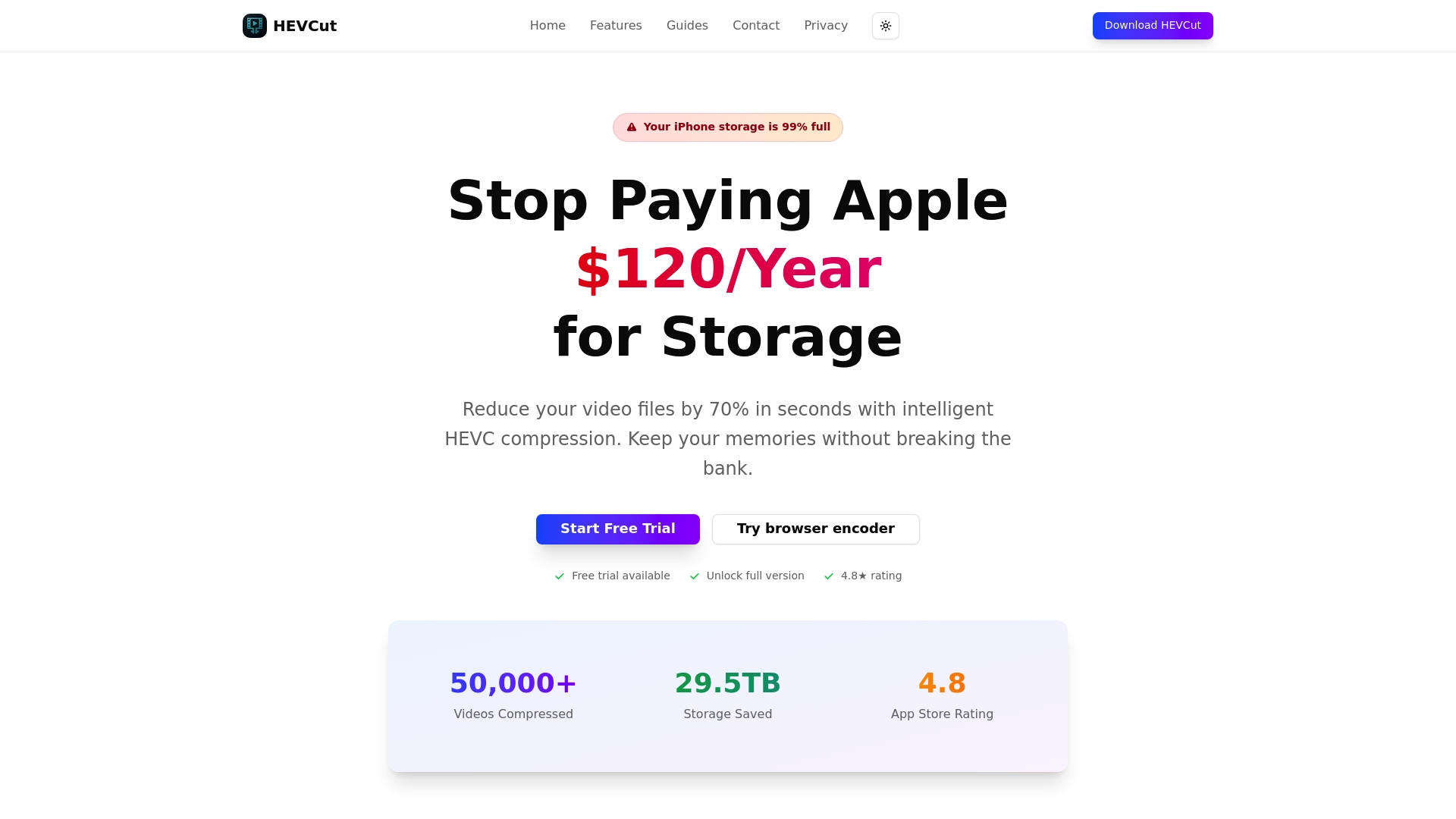
Planning storage needs becomes simple with HEVCut's video size calculator. Input your recording parameters and instantly see projected file sizes and storage requirements. This foresight helps you budget accurately and avoid surprise capacity shortages mid-project. Small businesses and content creators gain enterprise-level storage management capabilities without enterprise complexity or cost. Explore HEVCut to streamline your workflow while cutting storage expenses substantially.
FAQ
What is the best video compression format to save storage costs?
HEVC (H.265) is widely recognized for efficient compression saving up to 70% compared to older formats while preserving visual quality. It works particularly well for 4K and HDR content where file sizes traditionally explode. The format enjoys broad compatibility across modern devices and platforms, making it practical for most creators. Alternative codecs like AV1 show promise but lack the hardware acceleration and universal support HEVC currently offers.
How can I balance video quality and storage costs effectively?
Match your capture and export settings to actual distribution requirements rather than shooting everything at maximum quality. Smart use of compression presets based on distribution platforms optimizes both quality and cost. Test different compression settings with sample footage to identify the sweet spot where file size drops significantly without visible quality degradation. Regular library audits remove outdated high-resolution files that no longer serve a purpose, freeing capacity without affecting active projects.
What storage setup is best for small video content businesses?
Hybrid storage workflows offer small businesses the best mix of cost, accessibility, and security. Keep current projects on local storage for editing performance, then migrate completed work to cloud archives. This approach minimizes monthly cloud costs while maintaining fast access to active files. Start with modest local capacity and scale both local and cloud storage based on actual usage patterns rather than theoretical maximums. Implement tiered storage policies that automatically move aging files to progressively cheaper storage classes as access frequency decreases.