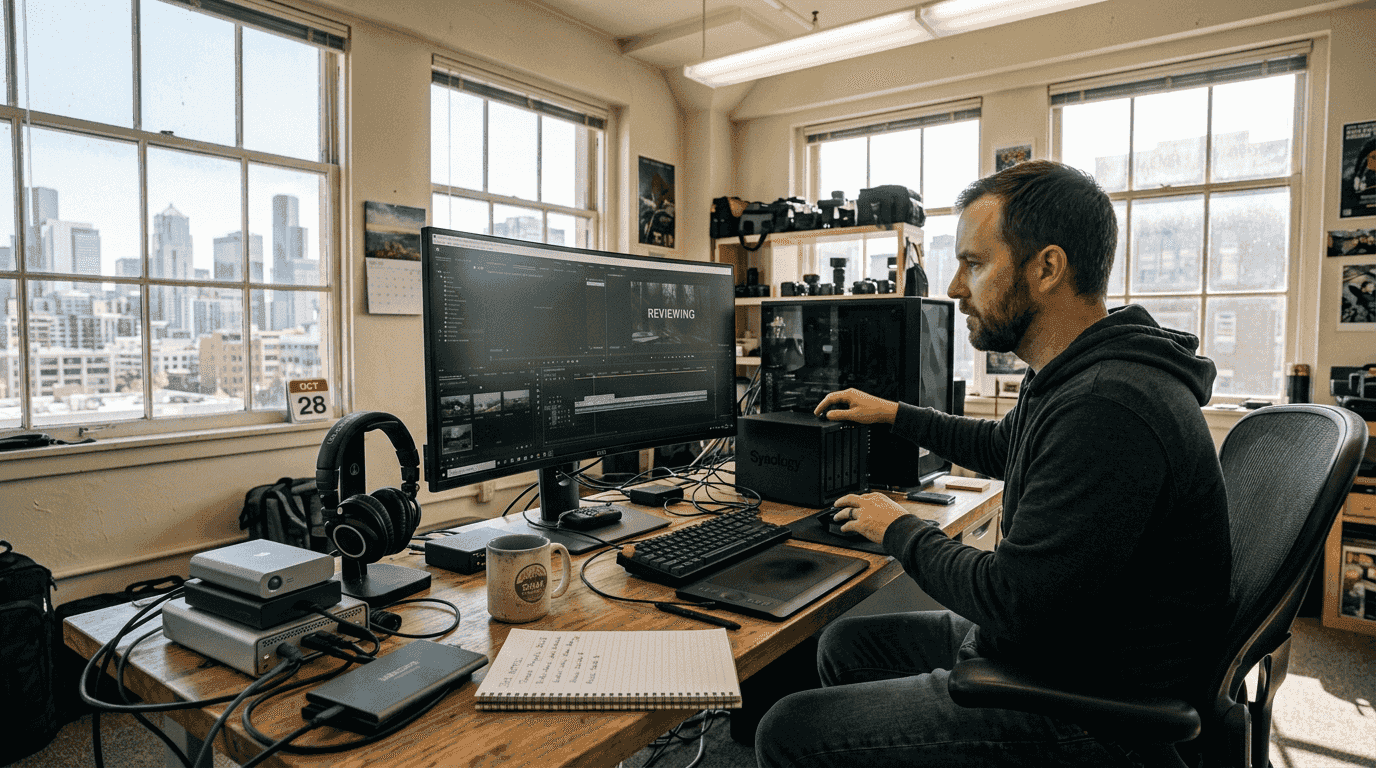
Most videographers waste hundreds of dollars annually on video storage because they treat all files the same. Active editing projects demand fast access and collaboration, while archived footage just needs to sit safely and cheaply. By separating these needs and choosing the right mix of local and cloud solutions, you can slash storage costs by 60% or more. This guide walks you through building a smart, scalable workflow that balances speed, reliability, and budget for managing high-resolution video files in 2026.
Table of Contents
- Understanding active and archival video storage
- Comparing NAS and cloud storage options for videographers
- Choosing the right storage hardware: drives and capacity in 2026
- Leveraging cloud services for active archiving and instant access
- Explore HEVCut tools for efficient video storage
- Frequently asked questions
Key takeaways
| Point | Details |
|---|---|
| Separate active and archival storage | Matching storage type to workload cuts costs dramatically and improves performance. |
| NAS beats cloud for large libraries | Local storage offers lower long-term costs for multi-terabyte video collections. |
| 8TB drives hit the sweet spot | This capacity balances cost per gigabyte, power efficiency, and physical manageability. |
| Cloud archival saves without sacrificing access | Services like Wasabi and Azure Blob provide instant retrieval at pennies per terabyte. |
| Hybrid workflows maximize value | Combining on-premise NAS with cloud tiering delivers speed and savings. |
Understanding active and archival video storage
Video storage falls into two distinct categories, and mixing them up costs you money. Active storage powers your daily work: editing 4K timelines, sharing rough cuts with clients, and collaborating with team members. It needs to be fast, accessible from multiple devices, and support simultaneous users. Think of it as your workshop where projects are actively being built.
Archival storage serves a completely different purpose. Once a project wraps, the raw footage and final deliverables move into long-term storage where archival storage needs to be cheap and reliable, while active storage needs to be fast, accessible, and collaborative. You rarely touch these files, but when a client requests a revision six months later, you need them available. The key difference is access frequency and speed requirements.
Your workload determines which storage type you need:
- Always-On Storage: Frame.io, Google Drive, or Dropbox for files accessed multiple times daily
- Active Creative Work: Local NAS or fast external SSDs for current editing projects
- Archival & Backup: Azure Blob Storage, Wasabi, or tape libraries for completed projects
The cost gap between these categories is massive. Active cloud storage runs $10 to $20 per terabyte monthly, while archival cloud storage costs under $1 per terabyte. Local NAS systems eliminate monthly fees entirely after the initial hardware investment. Understanding why avoiding large video files saves storage costs helps you optimize both categories.
Azure File Sync bridges these worlds by automatically moving older files from your local NAS to cloud archival storage. When you need a file, it downloads seamlessly in the background. The limitation? Azure File Sync lacks robust search and indexing, so you need solid file naming conventions and metadata practices to locate archived footage quickly.
"The biggest mistake creators make is paying active storage prices for files they haven't touched in months. Separate your hot and cold data, and your wallet will thank you."
Most videographers discover they access only 20% of their footage regularly. The other 80% sits idle, yet many pay premium prices to keep it on fast drives or expensive cloud platforms. Restructuring your storage strategy around this reality unlocks immediate savings.
Comparing NAS and cloud storage options for videographers
Choosing between network-attached storage and cloud platforms depends on your library size, growth rate, and access patterns. Each approach has clear financial and practical trade-offs that shift based on your specific situation.
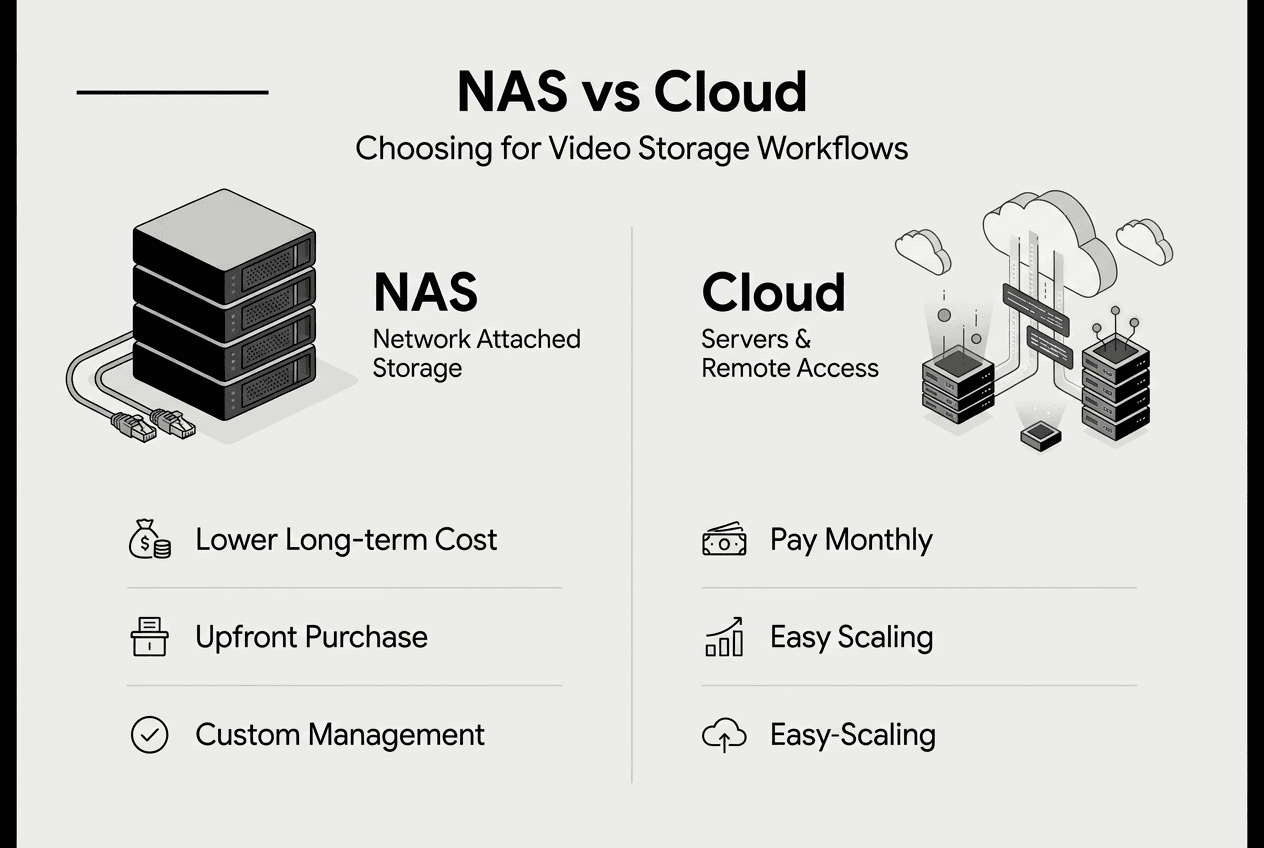
NAS systems require upfront investment but eliminate recurring monthly fees. A quality 10TB NAS setup costs $400 to $600, including drives. Once installed, your only ongoing expenses are electricity (roughly $2 to $5 monthly) and occasional drive replacements. NAS is generally cheaper than cloud storage in the long run, especially for storing large amounts of data. For libraries exceeding 5TB, NAS typically breaks even within 12 to 18 months compared to cloud subscriptions.
Cloud storage flips this model. Zero upfront cost, instant setup, and you pay only for what you use. Backblaze charges $6 per terabyte monthly, while Wasabi runs $6.99. For a 2TB library, that's $12 to $14 monthly or $144 to $168 annually. Small and manageable. But scale to 20TB, and you're paying $1,400 yearly, every year, forever.
| Feature | NAS | Cloud Storage |
|---|---|---|
| Upfront cost | $400-$600 for 10TB | $0 |
| Monthly cost (10TB) | ~$3 electricity | $60-$70 |
| Break-even point | 12-18 months | N/A |
| Scalability | Manual drive additions | Instant, pay-as-you-grow |
| Access speed | Gigabit+ local network | Internet-dependent |
| Maintenance | User responsibility | Provider managed |
Cloud storage shines for distributed teams and remote access. Your footage lives everywhere your internet connection reaches. No VPN configuration, no port forwarding headaches. NAS requires more technical setup, but rewards you with blazing local transfer speeds. Copying 500GB of footage to a local NAS takes 15 minutes on gigabit ethernet. The same upload to cloud storage? Four to eight hours, depending on your internet plan.
Consider total cost of ownership beyond sticker prices:
- Power consumption: NAS units draw 20 to 50 watts continuously
- Maintenance time: Drive monitoring, firmware updates, backup verification
- Internet costs: Cloud uploads and downloads consume bandwidth caps
- Redundancy: NAS requires RAID configuration; cloud providers handle this automatically
Pro Tip: Calculate your three-year total cost before committing. Multiply your current storage needs by 1.5 to account for growth, then compare NAS hardware plus electricity against cloud subscription costs. The crossover point typically hits around 3 to 5TB for most creators.
Small operations with under 2TB and irregular growth patterns benefit from cloud flexibility. Established studios with 10TB-plus libraries and predictable expansion save significantly with NAS. Many videographers land on hybrid solutions, keeping active projects local and pushing completed work to cost-effective archival storage.
Choosing the right storage hardware: drives and capacity in 2026
Drive selection impacts your workflow reliability and long-term costs more than any other hardware decision. The wrong choice means premature failures, bottlenecked performance, or overspending on unnecessary features.
8TB drives offer optimal balance in 2026 for cost, power efficiency, and manageability. Smaller capacities cost more per gigabyte, while larger drives (12TB, 16TB) carry higher failure risk and replacement costs. An 8TB drive runs $120 to $180 depending on type, hitting the sweet spot where cost per terabyte drops significantly without entering enterprise pricing territory.
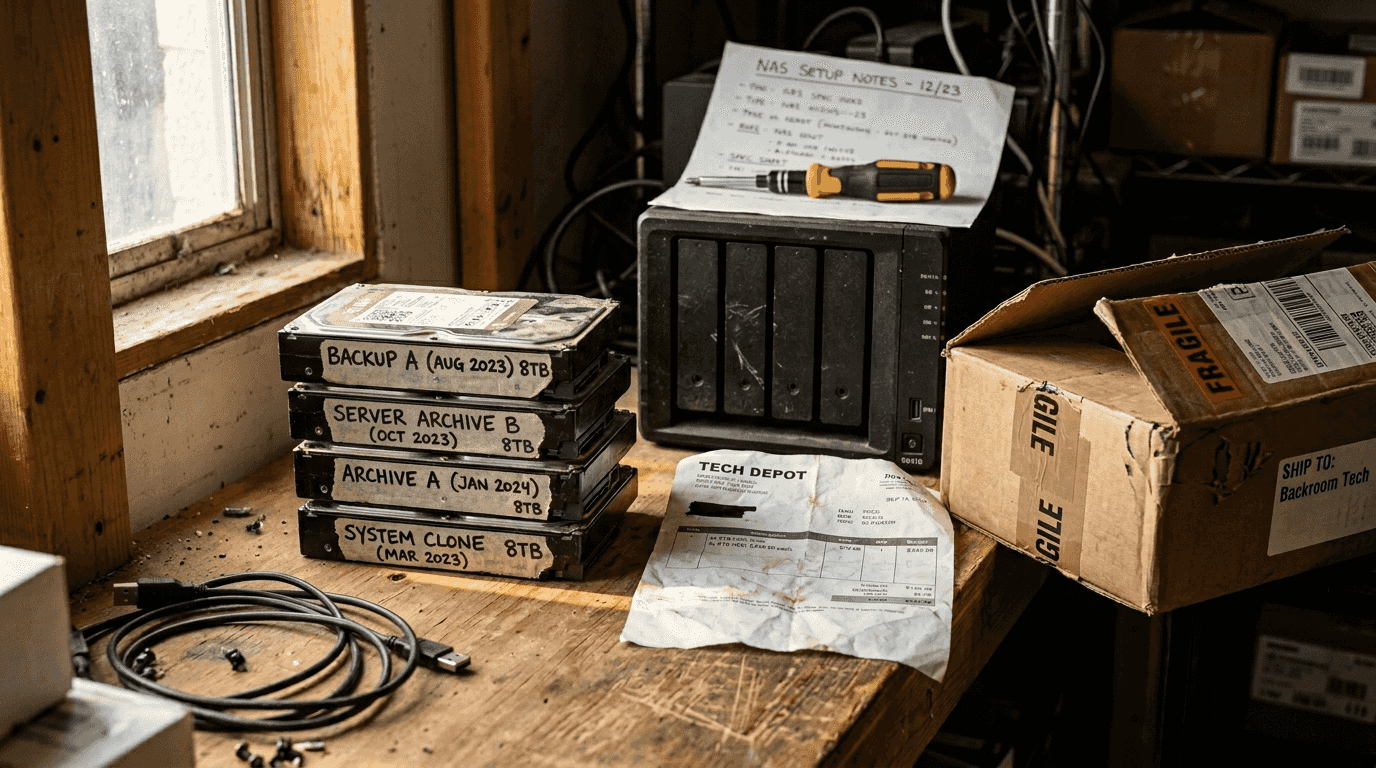
SSD versus HDD creates the fundamental choice. SSDs deliver speed and silence but cost three to four times more per terabyte. HDDs offer massive capacity cheaply but spin mechanically and generate heat. For active editing, SSDs eliminate render delays and timeline stuttering. For archival storage, HDDs provide economical bulk storage.
| Drive Type | Sequential Read Speed | Typical Failure Rate | Price (8TB) | | --- | --- | --- | | HDD (7200 RPM) | 150-200 MB/s | 1-2% annually | $140-$180 | | SATA SSD | 500-550 MB/s | 0.5% annually | $500-$650 | | NVMe SSD | 3000-7000 MB/s | 0.5% annually | $600-$800 |
Five critical factors determine the right drive for your workflow:
- Endurance rating: Measured in terabytes written (TBW). Consumer SSDs rate 300-600 TBW; prosumer models hit 1200+ TBW. Video editing writes massive amounts daily, so higher endurance prevents premature wear.
- Duty cycle: NAS-specific HDDs handle 24/7 operation and support 180TB annual workloads. Desktop drives fail quickly under constant use. Always choose drives rated for your deployment environment.
- Thermal management: Drives generate heat under load. NAS enclosures need proper cooling, and drives with better thermal sensors prevent overheating shutdowns during long renders.
- Speed requirements: Match drive speed to workload. 4K editing needs 400+ MB/s sustained reads. Archival backup tolerates 100 MB/s. Overpaying for NVMe speed in a backup drive wastes money.
- Total cost of ownership: Factor in power consumption (HDDs use 6-8 watts; SSDs use 2-3 watts), replacement frequency, and warranty coverage. A cheaper drive that fails in two years costs more than a quality drive lasting six.
NAS environments punish consumer-grade drives. Standard desktop HDDs lack vibration resistance and error recovery features needed when multiple drives operate simultaneously. NAS-specific models from Western Digital Red, Seagate IronWolf, or Toshiba N300 lines include these protections. Failure rates drop from 3-4% annually to 1-2% with proper NAS drives.
Pro Tip: Before purchasing drives, measure your actual workload using system monitoring tools. On Windows, Resource Monitor shows disk activity patterns. On Mac, Activity Monitor reveals read/write volumes. Linux users can run iostat. A week of monitoring tells you whether you need speed or capacity, preventing expensive mismatches.
For most videographers, the winning combination pairs NVMe SSDs for active project drives with NAS-grade HDDs for local archives. This two-tier approach balances performance and cost while keeping frequently accessed files fast and bulk storage affordable.
Leveraging cloud services for active archiving and instant access
Modern cloud archival has evolved beyond the slow, retrieval-fee-laden services of the past. New platforms deliver instant access at archive pricing, fundamentally changing how videographers can structure storage workflows.
Wasabi pioneered hot cloud storage, eliminating the traditional trade-off between cost and access speed. Unlike Amazon Glacier or Google Coldline, which require hours to retrieve files, Wasabi hot cloud storage offers cost-effective solution for active archiving with instant file access, outpacing traditional archive speed. Files download immediately, just like standard cloud storage, but cost 80% less than AWS S3 or Google Cloud Storage.
Azure Blob Storage provides another archival option with tiered pricing. Cool tier storage runs $0.01 per gigabyte monthly ($10 per terabyte), while Archive tier drops to $0.00099 per gigabyte ($1 per terabyte). The Archive tier requires rehydration time (up to 15 hours), but Cool tier delivers instant access suitable for projects you might need on short notice.
Azure File Sync automates the movement between local and cloud storage. Install the sync agent on your NAS or Windows file server, set tiering policies, and the system automatically moves older files to Azure Blob Storage while keeping local stubs. Click a file, and it downloads transparently. You maintain fast local access to recent projects while archiving completed work automatically.
Key advantages of Wasabi for video professionals:
- No egress fees: Download your files without surprise charges (most providers charge $0.09 per gigabyte downloaded)
- Instant retrieval: Zero rehydration delays mean files are ready when clients request changes
- HIPAA compliance: Built-in security features protect sensitive client footage
- Predictable pricing: Flat $6.99 per terabyte monthly with no hidden costs
Real production companies report dramatic savings. 7 Wonders Cinema reduced archive costs by 70% switching from LTO tape to Wasabi, while gaining instant access they never had with physical media. Create Advertising achieved similar cost savings using Wasabi cloud storage while improving their disaster recovery capabilities.
Cloud provider selection extends beyond pricing. Customer service quality matters when you need to migrate 50TB of footage or troubleshoot sync issues. Data migration speed determines how quickly you can onboard existing archives. Some providers offer free inbound transfer, while others charge. Wasabi includes free migration assistance for large transfers.
"We moved our entire 30TB archive to Wasabi in one weekend. The instant access transformed our workflow. Clients request old footage, and we deliver the same day instead of waiting for tape retrieval."
Pro Tip: Combine local NAS with cloud tiering to optimize costs while ensuring fast access. Keep your last 90 days of projects on local drives for instant editing, then automatically tier older files to Wasabi or Azure Cool tier. This hybrid approach delivers local performance for active work and cloud economics for archives, creating the most efficient video file management workflow.
The cloud archival landscape continues evolving. Backblaze B2 offers similar economics to Wasabi at $6 per terabyte. Cloudflare R2 promises zero egress fees with slightly higher storage costs. Test multiple providers with a subset of your archive before committing your entire library. Most offer free tiers or trial credits for evaluation.
Explore HEVCut tools for efficient video storage
Before investing in storage infrastructure, reduce what you need to store. Compression technology has advanced significantly, and modern codecs deliver visually identical results at 50-70% smaller file sizes.
HEVCut specializes in HEVC compression, converting your existing video library to the H.265 codec without quality loss. The video compressor for iPhone & Mac processes files automatically, analyzing each video to determine optimal compression settings. A 100GB project folder often compresses to 30-40GB, instantly reducing your storage requirements.
The video file size calculator helps you plan storage purchases accurately. Input your shooting format, frame rate, and project duration to estimate storage needs before buying drives or subscribing to cloud services. This prevents overbuying capacity you won't use or underestimating requirements and hitting limits mid-project.
These tools integrate naturally into the cost-effective workflows described throughout this guide. Compress finished projects before moving them to archival storage, maximizing your NAS capacity and minimizing cloud storage costs. Calculate storage needs for upcoming productions to right-size your infrastructure investments.
Frequently asked questions
What is the difference between active and archival storage?
Active storage supports ongoing work with fast access speeds, collaboration features, and frequent file modifications. Archival storage prioritizes low cost and long-term reliability for completed projects you access infrequently. The cost difference between these categories can exceed 10x, making proper categorization essential for budget management.
Which is more cost-effective for storing large video files: NAS or cloud?
NAS is generally cheaper than cloud in the long run, especially with large volumes. For libraries exceeding 5TB, local storage typically breaks even within 12 to 18 months compared to monthly cloud subscriptions. Cloud storage offers better value for smaller collections under 2TB or situations requiring distributed team access. Calculate your three-year total cost including hardware, electricity, and maintenance to determine your break-even point.
How do I choose the right drive capacity and type for my video projects?
Assess whether you need active editing performance or archival storage capacity. Active projects benefit from NVMe or SATA SSDs offering 500+ MB/s speeds, while archival storage works well with NAS-grade HDDs at 150-200 MB/s. 8TB drives offer optimal balance in 2026 for cost, power efficiency, and manageability across both categories. Monitor your actual workload patterns for one week using system tools to match drive specifications to real requirements.
What are the benefits of combining on-premise NAS with cloud archival storage?
Local NAS delivers fast access for current projects at low ongoing cost, while cloud archiving eliminates the need for unlimited local capacity expansion. Hybrid NAS and cloud storage solutions optimize cost, access speed, and reliability for video archives. This combination lets you keep 90 days of recent work locally for instant editing while automatically tiering older projects to cheap cloud storage. You maintain performance where it matters and achieve archival economics for completed work.
Recommended
- Video storage costs explained: save money in 2026
- Video file management tips for creators in 2026
- Storage optimization in 2026: leveraging HEVC for creators
- Step by step storage saving guide for video creators 2026
- Video Editor - Create Playable Ads from Videos | PlayableMaker
- Why Video Marketing is the Visibility Channel SaaS & B2B Brands Can’t Ignore - Media House Agency