
Most creators assume video storage is simple: pay for space and you're done. The reality is far messier. Hidden bandwidth charges, codec inefficiencies, and workflow bottlenecks can silently drain thousands from your annual budget. With high-resolution files becoming standard in 2026, understanding the full cost picture is critical for sustainable growth. This guide breaks down pricing structures, reveals hidden expenses, and shows you how to cut storage costs without compromising quality.
Table of Contents
- Understanding the components of video storage costs
- Comparing popular video storage providers and plans in 2026
- Hidden costs and technical factors impacting video storage expenses
- Practical strategies to reduce video storage costs effectively
- Optimize your video storage costs today with HEVCut tools
Key takeaways
| Point | Details |
|---|---|
| Pricing varies dramatically | Cloud storage costs range from $4.80 to $25+ monthly depending on provider, features, bandwidth limits, and billing cycle. |
| Hidden fees multiply expenses | Bandwidth overages, physical drive shipping, and on-prem expansions add thousands in unplanned costs annually. |
| Codec choice is critical | Efficient formats like HEVC reduce file sizes by 40-60%, cutting both storage and streaming expenses significantly. |
| Annual billing saves money | Subscribing yearly instead of monthly unlocks up to 17% discount across major cloud providers. |
| Workflow optimization matters | Cloud asset management systems and compression tools eliminate waste and reduce operational overhead substantially. |
Understanding the components of video storage costs
Cloud storage costs vary significantly based on multiple interconnected factors beyond simple gigabyte pricing. You're paying for storage capacity, yes, but data transfer fees often eclipse base subscription costs for active creators. Bandwidth consumption spikes when uploading raw footage, sharing previews with clients, or streaming content for review.
Features like client-side encryption add monthly premiums but protect sensitive client work from security breaches. For media professionals handling confidential projects, this isn't optional. Scalable plans that grow with your library prevent the frustration and expense of constant migrations between tiers.
Cloud providers reward commitment through annual subscriptions, offering meaningful discounts compared to month-to-month billing. This single decision can save hundreds annually without changing your actual usage. Small businesses especially benefit from predictable yearly costs that simplify budgeting and financial planning.
Pro Tip: Calculate your actual monthly upload and download volume before choosing a plan. Many creators overpay for unlimited bandwidth they never use, or face surprise overage fees by underestimating transfer needs.
Consider how your storage integrates with existing workflows too. The content creators ultimate storage guide explains how ecosystem compatibility affects real-world productivity and costs. A cheaper provider that disrupts your Adobe or Final Cut workflow ultimately costs more in wasted time.
Comparing popular video storage providers and plans in 2026
Navigating the landscape of video storage options requires understanding what each provider offers at different price points. Here's how major platforms stack up for content creators in 2026:
| Provider | Storage | Monthly Price | Annual Price | Notable Features |
|---|---|---|---|---|
| Dropbox | 2TB | $9.99 | $119.88 | Universal compatibility, robust sharing |
| Sync.com | 2TB | $6.00 | $57.60 | Client-side encryption, privacy focus |
| Vimeo Starter | 2TB | $12.00 | $144.00 | 250GB monthly bandwidth cap |
| Vimeo Standard | 4TB | $25.00 | $300.00 | 2TB monthly bandwidth cap |
| Google Drive | 2TB | $9.99 | $119.88 | Google Workspace integration |
| OneDrive | 1TB | $6.99 | $83.88 | Microsoft 365 bundle |
| iCloud+ | 2TB | $9.99 | $119.88 | Apple ecosystem optimization |
Dropbox offers 2TB for $9.99 monthly, while Sync.com provides the same capacity for just $4.80 monthly on annual plans. That's a 52% savings for essentially equivalent storage, though Dropbox edges ahead in third-party integrations.
Vimeo's pricing structure reveals a critical consideration: bandwidth limits. The Starter plan caps monthly transfers at 250GB despite offering 2TB storage. Upload a single 4K project and you could hit limits before month's end. Standard plans increase bandwidth caps but at $25 monthly, costs escalate quickly.
Bandwidth becomes the hidden multiplier in video storage economics. You might have terabytes of space but face upload throttling or overage penalties when actually using it. Review your typical monthly transfer volume using the video size calculator before committing to any plan.
Ecosystem integration matters tremendously for workflow efficiency. Google Drive works seamlessly with YouTube uploads and Google Workspace collaboration. OneDrive integrates naturally with Microsoft Teams and Office apps. iCloud+ optimizes for Apple devices but lacks cross-platform flexibility. Choose based on your existing tools to avoid productivity friction.
Free tiers seem appealing but rarely meet professional needs. Google Drive's 15GB free storage disappears after a single day of 4K shooting. The storage calculator helps estimate how quickly you'll exhaust free options and need paid upgrades.
For comprehensive pricing analysis across providers, compare cloud storage rates to find the best value match for your specific usage patterns and feature requirements.
Hidden costs and technical factors impacting video storage expenses
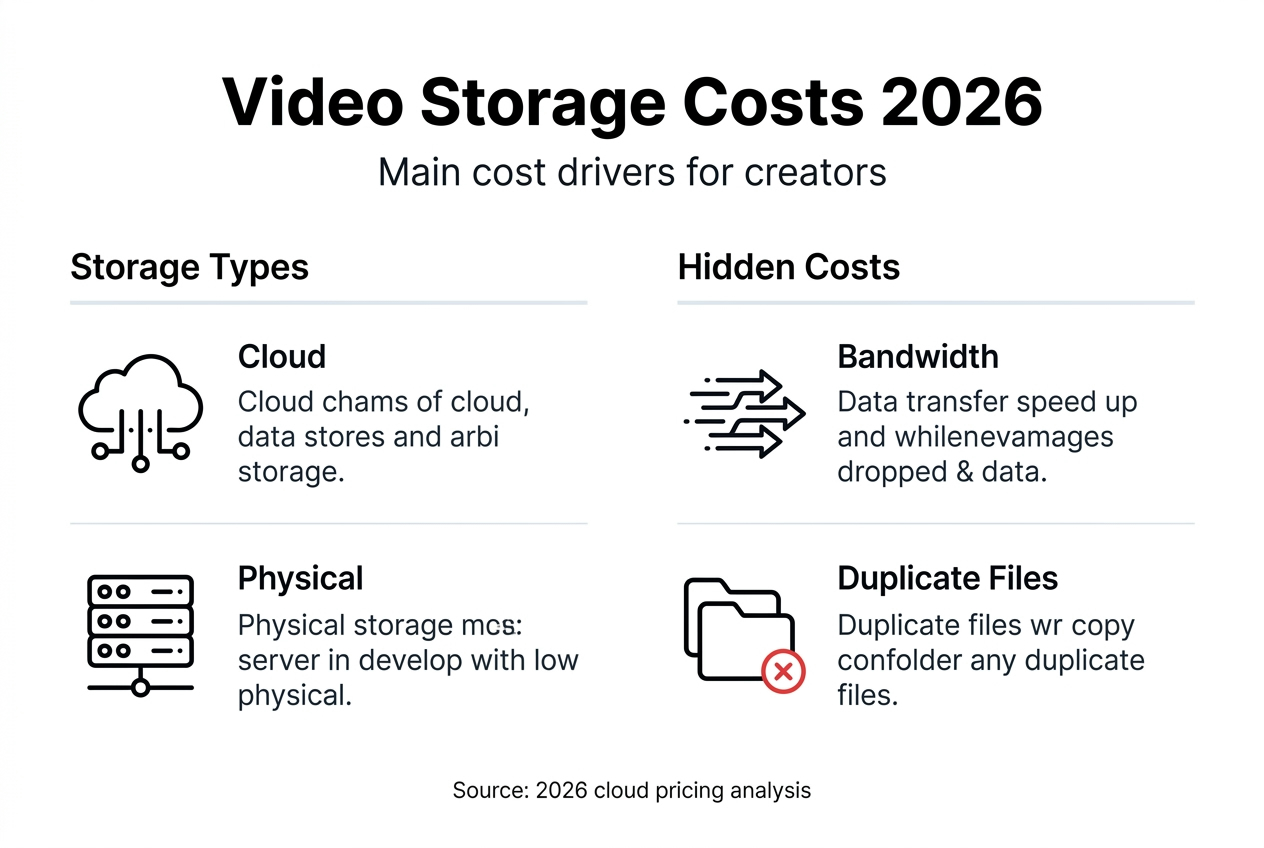
Beyond monthly subscription fees, several less obvious factors inflate total video storage expenses substantially. Physical infrastructure costs catch many growing businesses off guard.

Shipping physical drives annually cost Overtime $20,000 before they transitioned to cloud-based systems. Distributed teams relying on hard drive shuttling face ongoing courier fees, drive replacement costs, and delays that slow production cycles. On-premises storage expansion requires expensive server hardware, RAID configurations, and IT maintenance that quickly exceeds cloud costs at scale.
Video codec choice wastes 40-60% of infrastructure budgets when teams default to older formats without considering efficiency gains. H.264 remains widely compatible but demands roughly double the bandwidth and storage compared to HEVC for equivalent quality. That inefficiency multiplies across every project, upload, and client delivery.
Bandwidth consumption varies wildly by codec. Streaming a 4K H.264 file consumes 25Mbps compared to 12-15Mbps for HEVC at comparable quality. Over thousands of views or multiple simultaneous streams, bandwidth costs balloon unnecessarily. Choosing formats based solely on familiarity instead of efficiency drains budgets silently.
Workflow inefficiencies create hidden storage waste too. Teams that archive every rough cut, duplicate files across multiple drives, or lack organized asset management systems pay for redundant storage. Manual processes increase human error, lost files, and the need for safety margins that pad storage requirements beyond actual needs.
Pro Tip: Audit your current video library for duplicate files and outdated versions. Most creators discover 20-30% of their storage holds unnecessary copies that can be safely deleted after implementing proper version control.
Understanding HEVC versus H.264 for content needs helps you select codecs strategically based on distribution channels, device compatibility, and cost priorities rather than default settings.
Practical strategies to reduce video storage costs effectively
Implementing strategic changes to your storage approach yields immediate and sustained cost reductions without sacrificing quality or accessibility.
-
Switch to efficient codecs like HEVC. Modern compression formats reduce file sizes by 40-60% compared to H.264 while maintaining visual fidelity. This cuts both storage requirements and bandwidth consumption for uploads, downloads, and streaming. The transition requires minimal workflow changes but delivers compounding savings across your entire library.
-
Choose providers with client-side encryption and scalable plans. Security features protect client work and your reputation. Scalable pricing tiers let you grow storage capacity gradually instead of overpaying for unused space or facing disruptive migrations between providers as needs expand.
-
Commit to annual subscriptions. Monthly billing convenience costs you up to 17% extra annually. Paying yearly locks in lower rates and simplifies accounting. Most providers offer free trial periods to test services before committing long term.
-
Implement cloud-based asset management systems. Overtime cut storage costs by $130,000 by adopting cloud asset management that eliminated physical drive shipping, reduced redundant storage, and streamlined collaboration. Centralized systems prevent file duplication, improve team coordination, and reduce wasted capacity.
-
Use analytical tools to optimize storage decisions. The video compressor helps you test compression settings and preview quality tradeoffs before processing entire libraries. The storage calculator estimates capacity needs based on your shooting schedule and resolution preferences, preventing both overpaying for excess space and scrambling for emergency upgrades.
Pro Tip: Compress archived projects to HEVC after final delivery. You preserve access for potential revisions while freeing 50-60% of storage space immediately. Active projects stay in editing-friendly formats until completion.
Case studies demonstrate real-world impact. Performance Hub achieved 4-6x cost savings switching to Wasabi storage while reducing upload issues and improving reliability. Strategic provider selection based on actual usage patterns instead of brand familiarity unlocks similar savings for businesses of all sizes.
Optimize your video storage costs today with HEVCut tools
Applying everything you've learned becomes simple with the right tools. HEVCut provides a complete suite designed specifically for content creators and small businesses managing video storage efficiently.
Start with the video size calculator to understand exactly how much space your projects consume at different resolutions and formats. This prevents guesswork and overbuying storage capacity you'll never use.
The video compressor lets you reduce file sizes by up to 70% using HEVC compression without quality loss. Upload your footage, choose compression settings, and see immediate results. This tool alone can cut your storage expenses in half while maintaining professional output standards.
Plan future needs accurately with the storage calculator that factors in your shooting schedule, resolution preferences, and archive requirements. Make informed decisions about cloud subscriptions and avoid both wasteful overspending and disruptive capacity shortages. Streamline your workflow, reduce operational costs, and take control of video storage expenses starting today.
FAQ
How do video codec choices affect storage expenses?
Efficient codecs like HEVC reduce file sizes and bandwidth consumption by approximately 50% compared to H.264 at equivalent quality levels. This directly cuts both storage subscription costs and data transfer fees. Choosing the right codec balances compatibility needs with efficiency gains, making it one of the highest-impact decisions for controlling video expenses.
What hidden fees should content creators watch out for?
Bandwidth limits create costly overage charges or force mandatory plan upgrades, especially on platforms like Vimeo where 2TB storage includes only 250GB monthly transfer caps. Physical hard drive shipping for distributed teams and on-premises storage expansion add thousands in unplanned expenses annually. Review provider terms carefully for transfer caps, overage penalties, and feature restrictions that inflate total costs beyond advertised subscription prices.
Are annual cloud storage plans more cost-effective?
Annual subscriptions typically offer 15-17% discounts compared to month-to-month billing across major providers, translating to significant yearly savings. HEVCut and similar services benefit from predictable annual budgets that simplify financial planning. Commitment to yearly plans works best for stable storage needs where capacity requirements don't fluctuate dramatically month to month.
Which cloud storage provider offers the best value for video creators?
Value depends on your specific workflow, ecosystem, and bandwidth requirements rather than price alone. Sync.com offers the lowest cost at $4.80 monthly for 2TB on annual plans with strong privacy features. Dropbox provides superior third-party integrations worth the $9.99 monthly premium for collaborative teams. Evaluate total cost including bandwidth limits, feature sets, and ecosystem compatibility rather than comparing subscription prices in isolation.
How much storage do I actually need for video content?
4K footage consumes approximately 375MB per minute in H.264 or 180MB per minute in HEVC format. A typical 10-minute finished video requires 20-40GB for raw footage, project files, and exports depending on codec and workflow. Calculate needs based on your monthly production volume, archive retention policies, and safety margins for unexpected projects. Most small businesses find 2-4TB sufficient initially, scaling up as production increases.