
TL;DR:
- HEVC can reduce video file sizes by 40-50% compared to H.264 without quality loss.
- It provides significant storage, bandwidth, and cost savings, especially for 4K and HDR content.
- Compatibility and encoding demands should be evaluated before switching to HEVC.
If you shoot 4K video regularly, you already know the pain: hard drives fill up fast, uploads take forever, and cloud storage bills keep climbing. The format you use to store and share video matters far more than most creators realize. HEVC, also known as H.265, is the codec that quietly solves this problem by cutting file sizes by up to 50% without touching visual quality. This article breaks down how HEVC works, what real savings look like in practice, and what you need to know before making the switch in your workflow.
Table of Contents
- The problem with traditional video formats
- What is HEVC and how does it work?
- Real impact: Storage and bandwidth savings with HEVC
- What to consider before switching to HEVC
- Our take: Why HEVC is essential for the future (and practical advice no one tells you)
- Try HEVC the easy way—cut your video storage cost today
- Frequently asked questions
Key Takeaways
| Point | Details |
|---|---|
| HEVC halves file sizes | HEVC typically reduces video file sizes by 40-50% compared to H.264 while preserving quality. |
| Better storage and streaming | Switching to HEVC cuts cloud and local storage costs and allows for smoother streaming of high-resolution content. |
| Assess compatibility needs | Before adopting HEVC, test hardware and workflow support to avoid playback or editing issues. |
| Amplified gains for 4K and above | The higher the video resolution or complexity, the greater the storage and bandwidth savings with HEVC. |
The problem with traditional video formats
H.264 was a breakthrough when it launched in the early 2000s. For standard HD video, it did the job well. But as cameras pushed into 4K, 6K, and 8K territory, H.264 started showing its age. The codec was never designed to handle the sheer volume of pixel data that modern cameras produce, and the result is bloated file sizes that create real problems for creators and businesses alike.
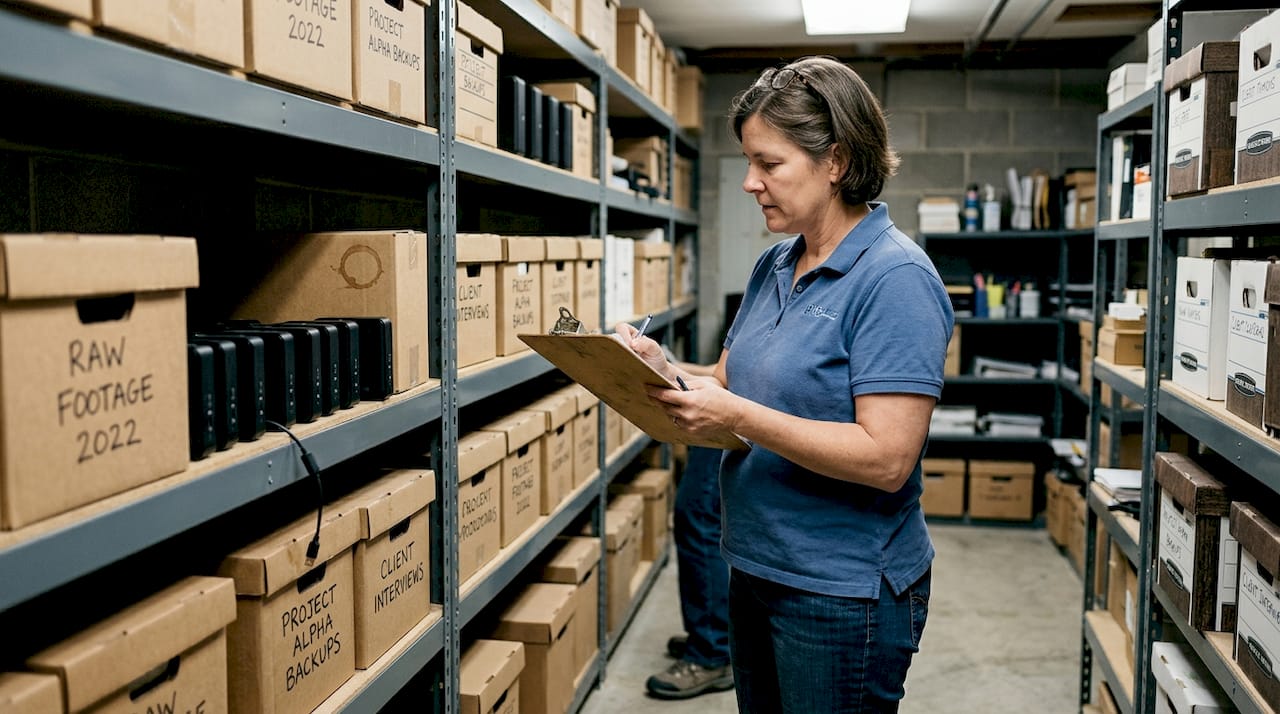
Think about what that means in practice. A single hour of 4K footage in H.264 can eat up 45GB or more depending on your bitrate settings. If you shoot multiple projects a week, you are looking at terabytes of storage disappearing in months. That is not just a hardware cost. It spills over into every part of your video workflow process: slow transfers, editing lag, long upload queues, and cloud storage plans that keep needing upgrades.
Here are the most common pain points creators and small businesses run into with oversized video files:
- Cloud storage overages: Monthly bills spike as libraries grow, especially when storing raw 4K footage for client review or archiving.
- Editing lag: Large files demand more from your CPU and RAM, slowing down real-time playback and timeline scrubbing.
- Upload bottlenecks: Sharing a 10GB file with a client or collaborator over standard internet speeds can take an hour or more.
- Backup delays: Full system backups take longer and cost more when every video file is twice the size it needs to be.
- Device storage pressure: Phones and laptops fill up fast when videos are not compressed efficiently.
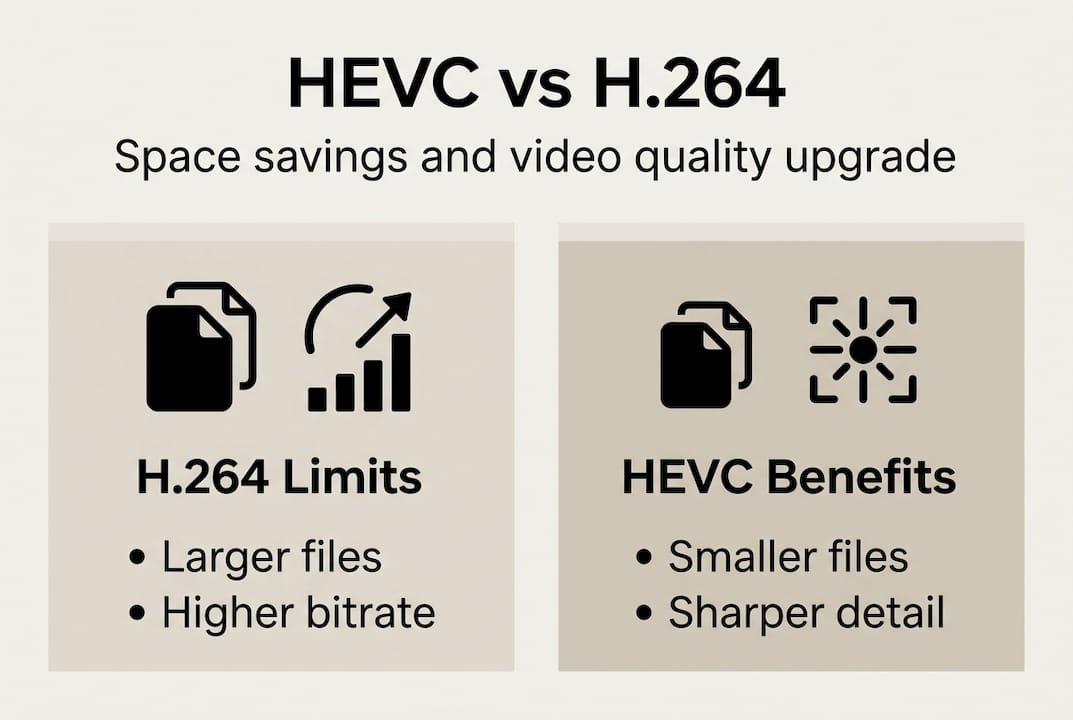
The gap between H.264 and HEVC is not marginal. HEVC provides 40-50% better compression efficiency than H.264, cutting file sizes or bitrates in half at equivalent visual quality.
This is not a minor upgrade. It is a fundamentally different approach to encoding video data. Understanding advanced video compression principles helps explain why the gap is so large, and applying solid compression best practices is what turns those principles into real savings on your drives and bills.
What is HEVC and how does it work?
HEVC stands for High Efficiency Video Coding. It is the successor to H.264, developed to handle the demands of high-resolution content. The core idea is simple: find smarter ways to describe the same visual information using less data. The execution, however, involves some genuinely clever engineering.
The most important structural difference is how HEVC divides video frames. H.264 uses fixed 16x16 pixel blocks called macroblocks. HEVC replaces these with flexible Coding Tree Units (CTUs) that scale up to 64x64 pixels. Larger blocks mean fewer divisions needed to describe smooth areas of an image, like a clear sky or a wall, which saves a significant amount of data.
Here is a side-by-side comparison of the two codecs:
| Feature | H.264 | HEVC (H.265) |
|---|---|---|
| Block structure | Fixed 16x16 macroblocks | Flexible CTUs up to 64x64 |
| Prediction modes | Fewer intra modes | 35+ intra-prediction directions |
| Motion compensation | Standard | Advanced, sub-pixel precision |
| In-loop filtering | Deblocking only | Deblocking + SAO filter |
| Compression efficiency | Baseline | 40-50% better than H.264 |
Beyond block size, HEVC uses more intra-prediction modes (35 versus H.264's 9) to better predict what each block should look like based on neighboring pixels. It also applies Sample Adaptive Offset (SAO) filtering, which reduces banding and ringing artifacts after compression. The result is cleaner images at lower bitrates.
The encoding process in plain terms works like this:
- Divide the frame into CTUs of varying sizes based on content complexity.
- Predict each block using neighboring pixels (intra) or previous frames (inter).
- Calculate the difference between the prediction and the actual image.
- Transform and quantize those differences to reduce precision where the eye won't notice.
- Entropy code the result to pack data as tightly as possible.
- Apply filters to smooth out any artifacts before outputting the final frame.
For HEVC with 4K and HDR content specifically, these efficiencies compound because there is simply more data to compress, and HEVC's tools are built for exactly that scale. You can also use the bitrate calculator to see what bitrate settings make sense for your specific resolution and quality targets.
Pro Tip: Use CRF (Constant Rate Factor) encoding instead of fixed bitrate when exporting with HEVC. CRF adjusts the bitrate dynamically based on scene complexity, so you get consistent visual quality without wasting bits on simple scenes or under-encoding complex ones.
Real impact: Storage and bandwidth savings with HEVC
Stats are one thing. Seeing what those numbers mean for your actual storage budget is another. Let's put HEVC's efficiency into concrete terms using real-world file size comparisons.
| Resolution | Format | Typical bitrate | File size per hour |
|---|---|---|---|
| 1080p | H.264 | 8 Mbps | ~3.6 GB |
| 1080p | HEVC | 4 Mbps | ~1.8 GB |
| 4K | H.264 | 45 Mbps | ~20 GB |
| 4K | HEVC | 20 Mbps | ~9 GB |
A 10-minute 4K video that weighs 6GB in H.264 shrinks to around 3GB with HEVC at the same visual quality. That is not a rounding error. That is half your storage bill, half your upload time, and half the bandwidth cost if you are streaming or delivering content to clients.
Here is a simple process for calculating how much you could save with your existing library:
- Audit your current storage. Total up how many GB or TB of video you have stored in H.264 or other older formats.
- Identify high-resolution content. 4K and HDR files benefit most from HEVC conversion, so flag those first.
- Apply the 40-50% rule. Multiply your total video storage by 0.5 to estimate your post-conversion footprint.
- Calculate cloud cost savings. Check your current cloud storage plan pricing and see what tier you would drop to after conversion.
- Factor in bandwidth. If you deliver video to clients or stream content, estimate monthly transfer volume and apply the same 50% reduction.
For storage optimization across large video libraries, the math adds up fast. A small business storing 10TB of 4K footage could realistically cut that to 5TB, which often means dropping to a cheaper storage tier entirely. Strategies for saving cloud space with HEVC are especially valuable if you are paying for iCloud, Google One, or a dedicated media server.
The 40-50% compression advantage of HEVC over H.264 is consistent across content types, but it is most dramatic with high-bitrate, high-resolution footage where there is simply more redundant data to eliminate.
What to consider before switching to HEVC
HEVC is not a universal drop-in replacement. Before you convert your entire library or change your export settings, there are real compatibility and workflow factors worth thinking through carefully.
Here are the key areas to evaluate before making the switch:
- Device compatibility: Older smartphones, TVs, and media players may not support HEVC playback natively. Check your target viewing devices before converting deliverables.
- Software support: Not every video editor handles HEVC smoothly. Adobe Premiere Pro and DaVinci Resolve support it well, but older or lightweight editors may struggle.
- Hardware acceleration: HEVC encoding is more computationally demanding than H.264. Without a GPU or dedicated hardware encoder (like Apple's VideoToolbox or NVIDIA NVENC), encoding times can be much longer.
- Client requirements: If you deliver to clients or broadcast partners, confirm they can accept HEVC files. Legacy systems may require H.264 for compatibility.
- Licensing considerations: HEVC has a more complex patent licensing structure than H.264, which affects some software implementations.
The gains from HEVC amplify with resolution and content complexity, so if you are working primarily in 1080p with simple content, the savings are real but less dramatic than with 4K or HDR workflows. Understanding how to optimize video workflows with HEVC helps you identify where the format fits and where it might create friction.
For scenarios where legacy clients or older hardware are involved, balancing cost and quality means keeping H.264 as a delivery format while using HEVC for archiving and internal storage. You get the storage savings without breaking anyone's playback setup. Resources on video compression demystified can also help you navigate format decisions for complex or mixed-device environments.
Pro Tip: Before migrating your full library or production pipeline to HEVC, run a test project through your complete workflow: ingest, edit, export, deliver, and playback on all target devices. One afternoon of testing can save weeks of troubleshooting later.
Our take: Why HEVC is essential for the future (and practical advice no one tells you)
Most guides focus on the specs and stop there. But the real story of HEVC adoption is about workflow culture, not just codec math. The biggest barrier we see is not hardware or software. It is the assumption that switching formats is a big, risky project. It does not have to be.
HEVC's true power only reveals itself at scale. If you are shooting one 1080p video a week, the savings are noticeable but not life-changing. If you are managing a library of 4K client projects, the difference is thousands of dollars in storage costs per year. That is where the format earns its reputation.
What most people miss is the compatibility balance. Rushing to HEVC without checking your delivery chain creates headaches. We have seen creators convert entire archives only to find their client's review platform does not support the format. Patience and testing matter more than speed here.
Our honest advice: start with archiving and internal storage, where compatibility is not a concern. Then expand to delivery formats as your clients and tools catch up. Check out the HDR compression guide if HDR content is part of your workflow, because that is where HEVC's advantages become genuinely hard to ignore.
Try HEVC the easy way—cut your video storage cost today
Knowing the theory is one thing. Actually compressing your videos and watching your storage footprint shrink is another. The HEVCut platform makes HEVC conversion straightforward, whether you prefer automatic processing or want manual control over your settings. You do not need to be a codec expert to get results.
Start by running your current footage through the bitrate tools to see exactly how much space you could recover. HEVCut is built for creators and small businesses who want real savings without a steep learning curve. A free trial lets you test the results on your own files before committing. If you want to understand how video workflow software fits into a modern production setup, that context makes the value even clearer.
Frequently asked questions
How much space can I save by switching to HEVC?
You can typically cut file sizes by 40-50% compared to H.264, with the biggest gains coming from 4K or high-bitrate footage where there is more redundant data to eliminate.
Does switching to HEVC affect video quality?
HEVC delivers the same visual quality as H.264 at roughly half the bitrate, meaning your files get smaller without any perceptible difference in what viewers see on screen.
Is there a downside to using HEVC?
The main challenges are hardware compatibility and encoding demands, so it is important to test your full workflow on a sample project before committing to a full migration.
Who benefits most from HEVC?
Creators and businesses working with high-resolution or complex video content, especially 4K and HDR, see the largest gains in storage savings and bandwidth reduction.
Recommended
- Why use HEVC in 2026 for efficient 4K & HDR compression
- Storage optimization in 2026: leveraging HEVC for creators
- Save cloud space: Cut video size by 70% with HEVC in 2026
- Storage Savings Calculator - See How Much Space You Can Free | HEVCut
- Complete Guide to Using Video in Education | Colossus Systems