
Modern video compression faces a critical challenge: delivering stunning 4K and HDR content without consuming massive bandwidth and storage. HEVC reduces bandwidth needs by up to 50% compared to older codecs like H.264, revolutionizing how content creators and small businesses manage high-resolution video. This article breaks down why HEVC has become essential for efficient video compression in 2026, covering its technical advantages, practical applications, and real-world benefits for your workflow.
Table of Contents
- Understanding HEVC: How it improves video compression
- Why HEVC is ideal for 4K, HDR, and modern video formats
- Trade-offs and considerations when using HEVC
- How content creators and small businesses benefit from HEVC in 2026
- Discover HEVC tools that save storage and maintain quality
Key takeaways
| Point | Details |
|---|---|
| Compression efficiency | HEVC reduces file sizes by up to 50% at the same visual quality compared to H.264, cutting storage and bandwidth costs significantly. |
| Advanced format support | Supports 4K, 8K, HDR, high frame rates, and 10-bit/12-bit color depth, making it ideal for modern premium content. |
| Processing requirements | Encoding and decoding demand more computational power, requiring capable hardware and optimized software workflows. |
| Cost and compatibility | Complex licensing and evolving device support require careful evaluation before full adoption. |
| Future-proofing value | Positions creators and businesses to deliver high-quality video efficiently as 4K and HDR become standard in 2026. |
Understanding HEVC: How it improves video compression
HEVC, also known as H.265, represents a major leap in video compression technology. HEVC offers up to 50% bandwidth reduction compared to H.264 at the same visual quality, fundamentally changing how we store and transmit video content. This efficiency comes from sophisticated technical innovations designed to eliminate redundant data more effectively.
The core breakthrough lies in how HEVC processes video information. Unlike H.264's fixed 16×16 pixel macroblocks, HEVC uses Coding Tree Units up to 64×64 pixels, adapting block sizes dynamically based on image complexity. Uniform areas like clear skies use larger blocks, while detailed regions like foliage get smaller blocks for precision. This adaptive approach drastically reduces wasted bits on redundant information.
Several advanced features work together to achieve superior compression:
- Flexible block partitioning handles diverse content types from static backgrounds to rapid motion more intelligently
- Advanced motion compensation predicts inter-frame changes with greater accuracy, reducing the data needed to describe movement
- Expanded intra-prediction modes analyze spatial patterns within frames more thoroughly
- Improved entropy coding compresses the remaining data more efficiently using sophisticated algorithms
- Enhanced deblocking and sample adaptive offset filtering preserve visual quality while minimizing artifacts
These technical improvements translate directly to practical benefits. When you compress a video using tools optimized for HEVC, the codec intelligently analyzes each frame's characteristics and applies the most efficient compression method for each region. The result is significantly smaller files that maintain the same perceptual quality viewers expect.
Pro Tip: Not all HEVC encoders implement these advanced features equally. Choose compression tools that fully leverage HEVC's capabilities to maximize file size reduction without sacrificing quality for your specific content type.
Why HEVC is ideal for 4K, HDR, and modern video formats
As content quality standards rise, HEVC's support for advanced video formats becomes increasingly valuable. HEVC handles resolutions up to 8K UHD, frame rates exceeding 300 fps, and 10-bit and 12-bit color depth through specialized encoding profiles, making it the natural choice for premium content in 2026. These capabilities extend far beyond what older codecs can manage efficiently.
Color reproduction represents one area where HEVC truly excels. The Main 10 profile supports 10-bit color depth, delivering over one billion color variations compared to H.264's 16.7 million. This dramatic expansion enables smooth gradients, eliminates color banding in skies and shadows, and faithfully reproduces the vibrant hues HDR content demands. The Main 12 profile pushes this even further for professional applications requiring maximum color fidelity.

HEVC's compatibility with modern HDR standards transforms how viewers experience video. It works seamlessly with HDR10, HDR10+, and Dolby Vision, preserving the expanded dynamic range and wide color gamut defined by the BT.2020 standard. HEVC's support for 4K and HDR maintains visual fidelity with efficient compression, a critical advantage when distributing premium content to audiences expecting cinema-quality experiences on their devices.
| Feature | H.264 Capability | HEVC Capability |
|---|---|---|
| Maximum resolution | 4K UHD | 8K UHD |
| Color depth | 8-bit (Main Profile) | 10-bit and 12-bit (Main 10/12) |
| HDR support | Limited, inefficient | Native HDR10, HDR10+, Dolby Vision |
| Color gamut | Rec. 709 (standard) | BT.2020 (wide gamut) |
| Frame rate support | Up to 59.94 fps efficiently | Over 300 fps |
The compression efficiency becomes especially important with high-resolution HDR content. A 4K HDR video contains four times the pixel data of 1080p, plus additional information for expanded color and brightness ranges. Without HEVC's advanced compression, these files would be prohibitively large for most distribution scenarios. Planning your workflow with storage calculators helps visualize the dramatic space savings HEVC enables.
Creators producing 4K or HDR content in 2026 face a practical choice: accept enormous file sizes with H.264, or leverage HEVC to deliver the same quality at half the bandwidth. For most applications, HEVC's advantages clearly outweigh the additional complexity.
Trade-offs and considerations when using HEVC
While HEVC delivers impressive compression gains, it comes with notable trade-offs that impact workflow decisions. HEVC requires significantly more processing power for both encoding and decoding compared to H.264, potentially doubling or tripling computational demands. This increased complexity affects everything from encoding speed to playback performance on less powerful devices.
The processing requirements create tangible challenges:
- Encoding times increase substantially, especially for high-resolution content, potentially slowing production schedules
- Older computers and mobile devices may struggle with smooth HEVC playback, leading to stuttering or battery drain
- Hardware acceleration becomes essential for efficient workflows, requiring investment in compatible GPUs or specialized encoding chips
- Real-time encoding for live streaming demands robust server infrastructure
Compatibility presents another consideration. Although HEVC adoption has grown significantly since its introduction, it still lags behind H.264's universal support. Some older devices, browsers, and platforms cannot decode HEVC at all, limiting your distribution options. Testing playback across your target devices before committing to HEVC delivery helps avoid unexpected compatibility issues.
The licensing landscape adds complexity for businesses. HEVC licensing is more complex and costly than H.264, with multiple patent pools requiring separate royalty agreements. This fragmented structure increases costs and legal complexity, particularly for commercial applications. Small businesses must weigh these licensing expenses against the bandwidth and storage savings HEVC provides.
Pro Tip: Before switching your entire workflow to HEVC, test encoding performance on your current hardware and verify playback compatibility on all devices your audience uses. Understanding these practical constraints helps you choose between HEVC and H.264 based on your specific distribution needs rather than compression efficiency alone.
How content creators and small businesses benefit from HEVC in 2026
The technical advantages of HEVC translate into concrete benefits for your bottom line and content quality. HEVC efficiency delivers lower CDN costs, reduced storage, and smoother playback on constrained networks, addressing the primary pain points content creators and small businesses face when scaling video operations. These benefits compound as your video library grows.
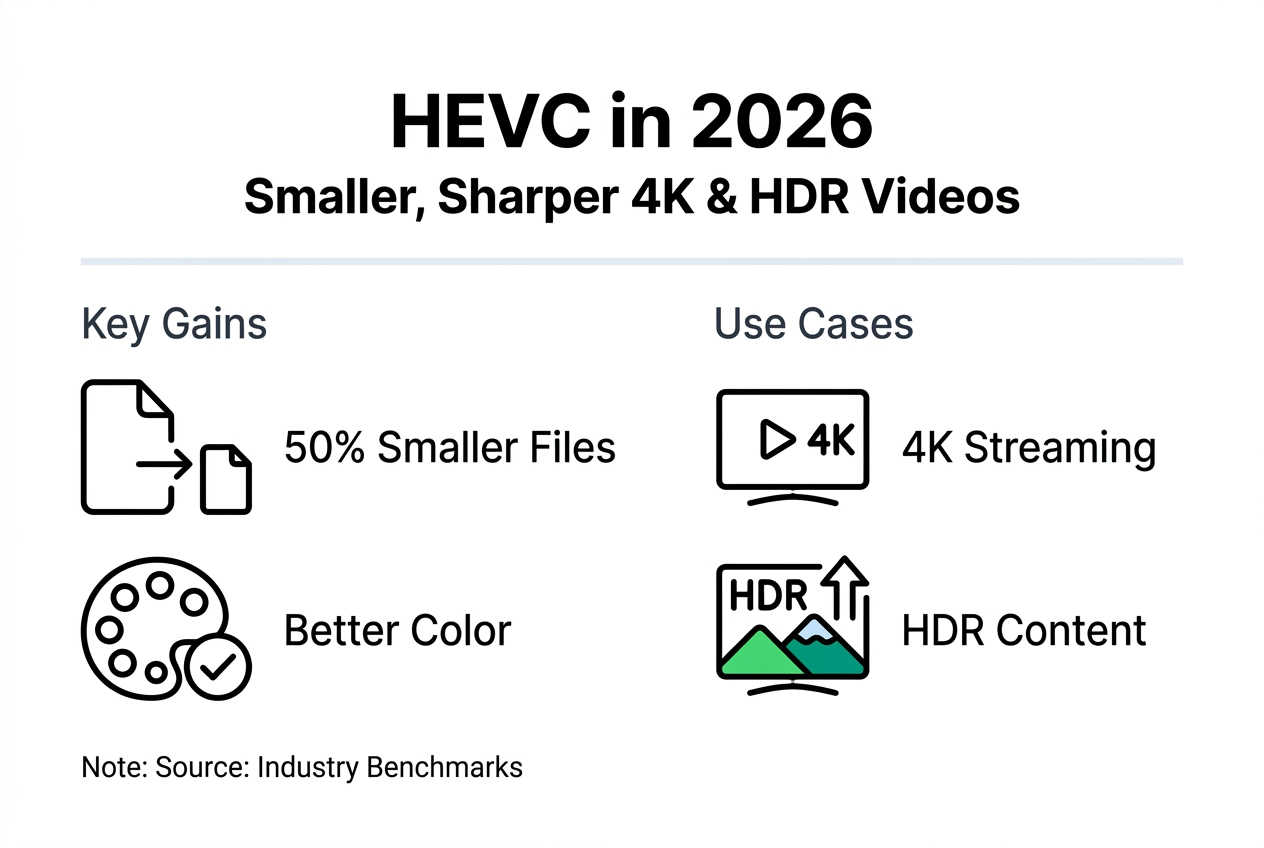
Storage savings represent the most immediate advantage. Cutting file sizes in half means you can store twice as much content on existing infrastructure, delaying or eliminating costly storage upgrades. For creators managing large 4K or HDR libraries, this translates to thousands of dollars saved annually on cloud storage fees and local hard drive costs.
Bandwidth efficiency improves the viewer experience while reducing operational costs. Smaller files upload faster to hosting platforms, download quicker for offline viewing, and stream more smoothly over limited connections. Mobile users particularly benefit from HEVC's efficiency, as they can enjoy high-quality video without exhausting data caps or experiencing buffering.
| Resolution | H.264 Bitrate | HEVC Bitrate | File Size (1 hour) H.264 | File Size (1 hour) HEVC | Savings |
|---|---|---|---|---|---|
| 1080p | 8 Mbps | 4 Mbps | 3.6 GB | 1.8 GB | 50% |
| 4K UHD | 35 Mbps | 17.5 Mbps | 15.8 GB | 7.9 GB | 50% |
| 4K HDR | 50 Mbps | 25 Mbps | 22.5 GB | 11.3 GB | 50% |
To effectively leverage HEVC in your workflow, follow these practical steps:
- Assess your current hardware capabilities to determine if upgrades are needed for efficient HEVC encoding
- Choose compression software that fully supports HEVC profiles relevant to your content, such as Main 10 for HDR
- Test encoding settings to find the optimal balance between file size and quality for your specific content type
- Use a video size calculator to estimate storage requirements before encoding large batches
- Verify playback compatibility across all target platforms and devices your audience uses
- Monitor actual storage savings and adjust your bitrate settings based on quality requirements
The professional benefits extend beyond cost savings. Delivering pristine 4K and HDR content positions your brand as quality-focused and technically sophisticated, important differentiators in competitive markets. As 4K displays become standard and HDR content proliferates in 2026, HEVC enables you to meet rising audience expectations without infrastructure costs spiraling out of control.
Small businesses especially benefit from HEVC's efficiency. Limited budgets make storage and bandwidth optimization critical, and HEVC's 50% reduction directly impacts operating margins. The ability to deliver premium video quality while controlling costs gives smaller operations competitive capabilities previously available only to enterprises with massive infrastructure budgets.
Discover HEVC tools that save storage and maintain quality
Putting HEVC's advantages to work requires the right tools. HEVCut offers intuitive HEVC compression software designed specifically for Mac and iPhone users who need to optimize video storage without sacrificing quality. The platform combines powerful compression capabilities with user-friendly controls, making advanced HEVC encoding accessible whether you're processing a single file or managing an entire video library.
Before committing to large-scale compression, smart creators calculate exactly how much space they'll save. HEVCut's storage calculator and video size estimator let you preview compression results for your specific content, helping you plan storage needs accurately. These tools take the guesswork out of format decisions, showing concrete numbers for your unique situation.
Whether you're compressing 4K travel footage, client presentations, or marketing videos, HEVCut's video compressor streamlines the entire process. The platform handles the technical complexity behind the scenes, letting you focus on creating great content while automatically capturing HEVC's storage and bandwidth benefits.
FAQ
Is HEVC widely compatible with devices and platforms?
HEVC compatibility has improved substantially but still varies across devices. Compatibility issues arise due to relatively recent adoption and decoding complexity, particularly on older hardware and some web browsers. Most devices manufactured after 2016 include HEVC support, but testing playback on your specific target platforms before wide distribution prevents unexpected issues.
How does HEVC affect video editing and production workflows?
HEVC's higher computational demands can slow editing and rendering compared to H.264. HEVC requires more processing power, which can impact encoding and decoding speeds during production. Many editors use proxy workflows, editing with lower-resolution files and rendering final output in HEVC to balance performance and efficiency. Evaluating whether to choose between HEVC and H.264 for different workflow stages optimizes both speed and quality.
What are the cost implications of switching to HEVC?
Switching to HEVC involves upfront costs but typically delivers long-term savings. HEVC licensing is more complex and costly than H.264, and capable encoding hardware may require investment. However, the dramatic reduction in storage and bandwidth expenses usually offsets these initial costs within months for active video producers, making HEVC economically advantageous despite higher entry barriers.
Can HEVC maintain quality for professional video applications?
HEVC excels at maintaining professional quality while reducing file sizes. Its support for 10-bit and 12-bit color depth, high resolutions, and advanced compression algorithms preserve visual fidelity better than H.264 at equivalent bitrates. Professional applications from broadcast to cinema increasingly adopt HEVC specifically because it delivers broadcast-grade quality at dramatically lower data rates, making it suitable even for demanding professional workflows.