
Recording a single minute of raw 4K video consumes roughly 10GB of storage space, a staggering figure that makes sharing or archiving footage nearly impossible without compression. Online video compressors solve this problem by shrinking files to 100-200MB while preserving visual quality. Understanding how these tools work and which features matter most empowers content creators to optimize storage costs, improve streaming performance, and maintain professional quality across all platforms.
Table of Contents
- Understanding video codecs: the core of compression
- Key codec types and their impact on video quality and size
- Advanced features of online video compressors beyond codecs
- Optimizing bitrate and storage savings with compressors
- Discover HEVCut's powerful video compression tools
- Frequently asked questions about online video compressors
Key takeaways
| Point | Details |
|---|---|
| Video codecs reduce file sizes dramatically | Compression technology shrinks raw footage by up to 99%, making storage and streaming practical. |
| Codec choice balances quality and compatibility | H.264 offers universal support, H.265 cuts bitrate in half, and AV1 delivers future-proof efficiency. |
| Cloud transcoding scales video workflows | Serverless pipelines automate format conversion, resolution adaptation, and multi-platform delivery. |
| Bitrate management controls quality and size | Proper bitrate settings maintain visual fidelity while minimizing bandwidth and storage costs. |
Understanding video codecs: the core of compression
Video codecs are the engine behind every compression tool, transforming massive raw files into manageable sizes. A codec consists of two components: an encoder that compresses video data and a decoder that reconstructs it for playback. The encoder analyzes each frame, removes redundant information like repeated pixels, and detects temporal patterns across frames. This process eliminates unnecessary data without destroying the visual information your eyes need.
The compression impact is remarkable. One minute of uncompressed 1080p video at 30fps requires approximately 10GB of storage, but modern codecs shrink that to 100-200MB. That represents a 98% reduction in file size while maintaining broadcast quality visuals. The decoder reverses the process during playback, reconstructing frames in real time so viewers see smooth, high-quality video.

Device compatibility matters significantly when choosing codecs. Your compressed video must play on target platforms, from smartphones to smart TVs. Newer codecs offer superior compression but require hardware support that older devices lack. A video compressor balances efficiency with widespread playback compatibility.
Pro Tip: Test compressed videos on your oldest target device before committing to a codec. Hardware decoding support drastically improves playback performance and battery life compared to software-only decoding.
Key codec types and their impact on video quality and size
H.264 remains dominant because virtually every device manufactured in the past 15 years supports it natively. This Advanced Video Coding standard became the backbone of online video, powering everything from YouTube to broadcast television. Its widespread adoption means content compressed with H.264 plays everywhere without compatibility concerns.
H.265 (HEVC) delivers dramatic efficiency gains, using roughly half the bitrate of H.264 for identical quality. This codec excels at 4K and HDR content where file sizes would otherwise become prohibitive. Content creators managing high-resolution footage see immediate storage and bandwidth savings when choosing HEVC over older standards. The tradeoff is encoding complexity, which requires more processing power and time.
AV1 represents the next generation of compression technology. Hardware improvements are rapidly closing the efficiency gap with HEVC while maintaining royalty-free licensing. Major platforms like YouTube and Netflix already support AV1 for streaming, and hardware acceleration in recent GPUs makes encoding practical for professionals.
Each codec presents distinct advantages and limitations:
- H.264: Universal compatibility, fast encoding, mature tooling, but larger file sizes at high resolutions
- H.265: Superior compression efficiency, excellent for 4K/HDR, but limited device support and patent licensing costs
- AV1: Royalty-free, cutting-edge efficiency, growing hardware support, but slower encoding and incomplete device adoption
- VP9: Google's predecessor to AV1, good compression, web-focused, but inconsistent hardware acceleration
| Codec | Compression Efficiency | Device Support | Encoding Speed | Best Use Case |
|---|---|---|---|---|
| H.264 | Baseline | Universal | Fast | Maximum compatibility |
| H.265 | 50% better | Modern devices | Moderate | 4K/HDR archival |
| AV1 | 30% better than H.265 | Growing | Slow | Future-proof streaming |
| VP9 | Similar to H.265 | Web browsers | Moderate | YouTube content |
Advanced features of online video compressors beyond codecs
Cloud transcoding revolutionizes video workflows by enabling dynamic format conversion without local hardware constraints. Platforms like AWS Elemental MediaConvert process videos at scale, adapting resolution, codec, and bitrate based on target devices and networks. This flexibility means you upload one master file and the system generates dozens of optimized versions automatically.
Serverless video transcoding pipelines automate the entire conversion workflow:
- Video uploads trigger cloud functions that queue transcoding jobs
- Distributed workers process files in parallel across multiple machines
- Output files are validated for quality and compliance
- Completed videos are distributed to CDN edge locations
- Notifications alert content managers when processing completes
Content Delivery Networks (CDNs) complement compression by reducing latency and offloading origin servers. After compression shrinks your files, CDNs cache copies at edge locations worldwide. Viewers download from nearby servers instead of your origin, improving playback speed while reducing bandwidth costs. This combination of efficient compression and smart distribution creates seamless viewing experiences.
Modern compressor platforms integrate multiple advanced capabilities:
- Adaptive bitrate streaming that adjusts quality based on network conditions
- Multi-resolution encoding that generates files for every screen size
- Automated quality analysis that validates output against source material
- Metadata preservation that maintains timestamps, captions, and chapter markers
- Batch processing that handles thousands of files simultaneously
- API integration that connects compression workflows to existing content management systems
Pro Tip: Combining a browser video encoder with CDN distribution creates a complete delivery pipeline. Compress locally to save upload bandwidth, then let the CDN handle global distribution for optimal performance.
Optimizing bitrate and storage savings with compressors
Bitrate measures the amount of data processed per second during playback, directly controlling both visual quality and file size. Higher bitrates preserve more detail and motion clarity but consume more storage and bandwidth. The challenge lies in finding the minimum bitrate that maintains acceptable quality for your specific content type and viewing context.
4K video typically requires bitrates between 20 Mbps and 80 Mbps depending on content complexity and codec choice. Fast-action sports footage needs higher bitrates to capture rapid motion without artifacts, while talking-head interviews compress efficiently at lower bitrates. Understanding these ranges prevents both wasteful over-compression and quality-destroying under-compression.
| Resolution | H.264 Bitrate | H.265 Bitrate | File Size (1 hour) H.264 | File Size (1 hour) H.265 |
|---|---|---|---|---|
| 1080p | 8-12 Mbps | 4-6 Mbps | 3.6-5.4 GB | 1.8-2.7 GB |
| 4K | 35-45 Mbps | 20-25 Mbps | 15.8-20.3 GB | 9.0-11.3 GB |
| 4K HDR | 50-80 Mbps | 30-40 Mbps | 22.5-36.0 GB | 13.5-18.0 GB |
HEVC handles fast motion at 30-40% lower bitrates than H.264 thanks to advanced motion compensation algorithms. This efficiency becomes critical when managing large video libraries where every percentage point of compression multiplies across thousands of files. A video bitrate calculator helps determine optimal settings before encoding.
Optimizing bitrate for different content types:
- Screencast tutorials: 2-4 Mbps (minimal motion, sharp text focus)
- Documentary footage: 6-10 Mbps (moderate motion, natural scenes)
- Action sports: 15-25 Mbps (rapid motion, complex details)
- Cinematic productions: 25-50 Mbps (maximum quality preservation)
- Live streaming: Variable bitrate matching upload bandwidth constraints
A storage savings calculator quantifies compression benefits across your entire library. Switching from H.264 to H.265 for 4K content typically reduces storage requirements by 45-55%, translating to substantial cost savings on cloud storage subscriptions. These savings compound monthly as your video library grows.
Discover HEVCut's powerful video compression tools
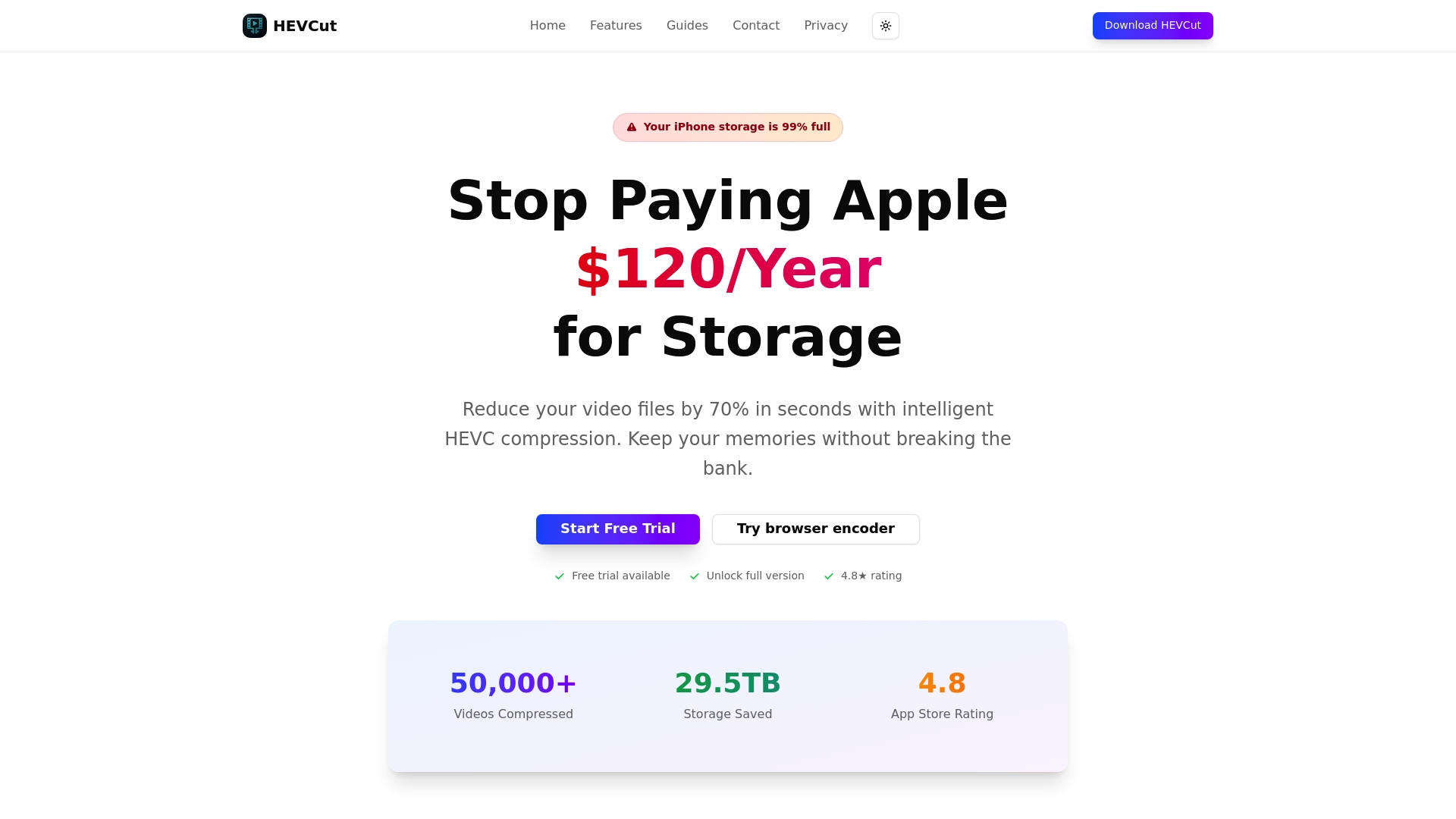
HEVCut simplifies professional video compression with tools designed specifically for content creators managing high-resolution footage. The platform's video compressor for iPhone and Mac delivers up to 70% file size reductions without compromising visual quality, making storage management effortless. Whether you shoot 4K interviews or HDR vlogs, automated compression workflows handle the technical complexity.
The video bitrate calculator eliminates guesswork by recommending optimal settings based on your resolution, codec, and quality requirements. Pair it with the storage savings calculator to project long-term cost reductions across your entire video library. These tools transform compression from a technical challenge into a straightforward process that saves money and time.
Frequently asked questions about online video compressors
What factors should I consider when choosing an online video compressor?
Prioritize codec support matching your target devices, processing speed that fits your timeline, and output quality that meets your standards. Evaluate whether the compressor offers batch processing for multiple files and integrates with your existing content management workflow. A reliable video compressor for iPhone and Mac should balance automation with manual control options.
How does bitrate affect video quality and file size?
Bitrate directly determines both visual quality and storage requirements. Higher bitrates preserve more detail and motion clarity but create larger files that consume more bandwidth during streaming. Lower bitrates reduce file size but introduce compression artifacts like blockiness and blurring. Finding the optimal bitrate requires balancing quality expectations against storage and delivery constraints for your specific content type.
Are cloud-based compression services reliable for professional use?
Cloud transcoding platforms offer enterprise-grade reliability with redundancy, automatic failover, and guaranteed uptime that exceeds most local infrastructure. Professional services process videos at scale using distributed computing resources unavailable to individual creators. Security features like encryption and access controls protect intellectual property throughout the compression workflow.
Can I compress videos without significant loss in quality?
Modern codecs like H.265 and AV1 achieve visually lossless compression at reasonable bitrates for most viewing scenarios. The key is selecting appropriate quality presets and bitrate targets based on your content characteristics. Testing compressed output on target devices before committing to full library conversion ensures results meet your quality standards.
What are the common codecs supported by online compressors?
Most platforms support H.264 for universal compatibility, H.265 for efficient 4K compression, and increasingly AV1 for future-proof streaming. Professional tools also handle legacy formats like MPEG-2 and newer options like VP9. Codec availability varies by platform, so verify support for your required formats before committing to a service.