
Cloud storage fills up faster than you think. Most users discover gigabytes consumed by forgotten files and duplicate backups they never even notice. Here’s what you might not expect. The real secret to unlocking more space and less hassle is all about what you delete, not just what you keep. Ready to find out what’s quietly clogging up your digital life?
Table of Contents
- Step 1: Assess Your Current Storage Usage
- Step 2: Identify Non-Essential Files to Delete
- Step 3: Organize Files into Appropriate Folders
- Step 4: Utilize Compression Tools for Large Files
- Step 5: Archive Older Files to Alternative Storage
- Step 6: Regularly Review and Maintain Storage Efficiency
Quick Summary
| Key Point | Explanation |
|---|---|
| 1. Assess Your Current Storage Usage | Understand your overall storage consumption by reviewing all cloud services you use. This will highlight unnecessary files taking up space. |
| 2. Identify Non-Essential Files to Delete | Remove temporary, duplicate, and outdated files to clear unnecessary digital clutter and optimize available storage. |
| 3. Organize Files into Appropriate Folders | Create a logical folder structure and clear naming conventions to streamline file retrieval and prevent clutter from accumulating. |
| 4. Utilize Compression Tools for Large Files | Use compression techniques, especially for large video files, to reduce file sizes without losing quality, saving significant storage space. |
| 5. Regularly Review and Maintain Storage Efficiency | Schedule regular audits of your storage to ensure continual optimization and quick identification of storage-based issues. |
Step 1: Assess Your Current Storage Usage
Before diving into cloud storage optimization, you need a clear picture of your current digital landscape. Understanding exactly how much space you're using and what's consuming your storage is the critical first step in effective space management. Most users are surprised to discover they're holding onto gigabytes of unnecessary files without even realizing it.
Begin by accessing the storage management section of each cloud service you use. For Google Drive, sign into your account and navigate to the storage settings. Look for a comprehensive breakdown that shows exactly how much space documents, photos, videos, and other file types are occupying. Pay special attention to large media files and forgotten backups that might be silently eating up your available space.
Microsoft OneDrive and Dropbox offer similar storage overview pages where you can see a detailed graphical representation of your storage consumption. Click through these sections carefully, noting file sizes and last accessed dates. Many cloud services provide sorting capabilities that allow you to organize files by size, which can quickly reveal which items are taking up the most space.
Learn our advanced storage management techniques to streamline your digital files efficiently. When assessing your storage, create a simple spreadsheet or document to track:
- Total storage used
- Storage used per file type
- Oldest files not accessed in over a year
- Largest individual files
By methodically documenting your current storage scenario, you'll set the foundation for strategic cleanup and optimization. The goal isn't just to see how much space you're using, but to understand the composition of your digital storage and identify immediate opportunities for reduction.
Verify your assessment by checking that you've reviewed all cloud services you actively use, not just one or two primary platforms. Each account might have accumulated forgotten files over time. This comprehensive approach ensures you won't miss any potential storage savings opportunities in your optimization journey.
Step 2: Identify Non-Essential Files to Delete
After assessing your storage landscape, the next critical phase is identifying and removing files that no longer serve a purpose. Non-essential files are digital clutter that consume valuable cloud storage space without providing meaningful value. These files often accumulate silently over time, creating unnecessary storage overhead that can be easily eliminated.
Temporary and duplicate files are prime candidates for deletion. Start by examining your downloads folder, which frequently becomes a graveyard of forgotten installation files, temporary documents, and redundant media. Many cloud services automatically sync these folders, meaning every unnecessary download is consuming precious storage space across multiple platforms. Video files are especially problematic - raw footage, multiple versions of edited clips, and large media files can quickly consume gigabytes of storage.
Systematically review files using three critical criteria: last access date, file size, and current relevance. Files not accessed in over a year are strong deletion candidates. Large media files like high-resolution videos or uncompressed image collections often represent the most significant storage consumers. Professional content creators should be particularly vigilant about managing video file versions.
Discover efficient video compression strategies to dramatically reduce storage requirements. When evaluating files for deletion, consider these strategic categories:
- Duplicate files across different cloud platforms
- Outdated drafts and work-in-progress documents
- Screenshots and temporary screen recordings
- Unfinished project files more than six months old
Before deleting anything, create a local backup of potentially important files. Use your cloud service's preview function to confirm you're not removing critical documents. Many services offer a recovery period after deletion, typically 30 days, providing an additional safety net. Verification is key - confirm you've systematically reviewed all storage locations and consciously decided on each file's fate.
Remember, storage optimization is an ongoing process. Developing a routine of regular file review and deletion will prevent future storage bloat and maintain lean, efficient cloud storage management.
Step 3: Organize Files into Appropriate Folders
Effective file organization transforms chaotic storage into a streamlined, easily navigable system. Strategic folder structures are the backbone of efficient cloud storage management, allowing quick file retrieval and preventing future accumulation of digital clutter. Think of your cloud storage like a well-organized filing cabinet, where every document has a precise, logical home.
Start by creating a hierarchical folder system that reflects your work and personal needs. For content creators and professionals, this might mean top-level folders categorized by project type, year, or client. Video files, for instance, should be organized beyond simple date-based structures. Consider creating subfolders that distinguish between raw footage, edited projects, final exports, and archive materials. Professional organization separates active working files from completed or archival content.
Naming conventions are crucial in maintaining an intuitive system. Use clear, consistent file and folder names that immediately communicate content. Instead of generic names like "Video1" or "Project," opt for descriptive titles such as "2023_ClientName_FinalEdit" or "Summer_Travel_Footage_4K". This approach makes searching and sorting exponentially easier, reducing time spent hunting for specific files across multiple cloud platforms.
Explore advanced file management techniques to optimize your digital workflow. When establishing your folder structure, consider these organizational principles:
- Maintain consistent capitalization
- Use underscores or hyphens instead of spaces
- Include dates in YYYY-MM-DD format
- Create clear, mutually exclusive folder categories
Regularly review and refine your folder structure. What works today might need adjustment as your projects and storage needs evolve. Set a quarterly review schedule to ensure your organizational system remains functional and relevant. This proactive approach prevents folder sprawl and keeps your cloud storage clean and manageable.
Verification is simple: can you locate any file within 30 seconds? If not, your organizational system needs refinement. A well-organized cloud storage system should feel intuitive, reducing stress and improving overall digital productivity.
Step 4: Utilize Compression Tools for Large Files
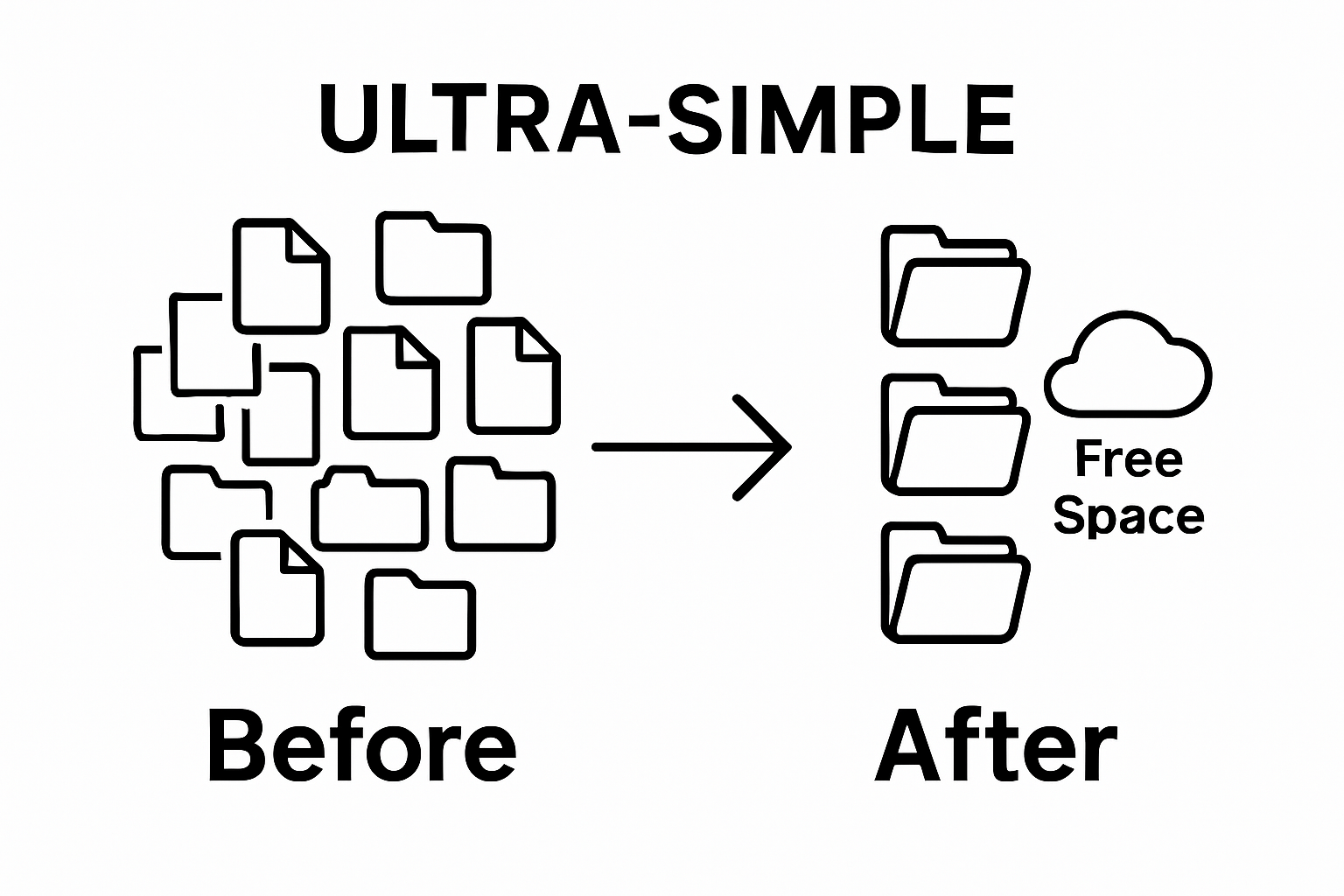
Compression is the secret weapon in cloud storage optimization, transforming bloated files into lean, efficient digital assets. Large media files, particularly high-resolution videos, are notorious storage space consumers that can quickly overwhelm your available cloud capacity. By strategically compressing these files, you can dramatically reduce their size without sacrificing meaningful visual quality.
Video files represent the most significant opportunity for compression. Modern compression technologies like HEVC (H.265) can reduce file sizes by up to 70% while maintaining excellent visual fidelity. Professional content creators and casual users alike can benefit from understanding compression techniques that preserve file quality while minimizing storage requirements. Focus on targeting raw footage, backup files, and older project archives that aren't actively being edited.
Choosing the right compression tool depends on your specific needs and file types. For video content, look for tools that offer granular control over compression settings, allowing you to balance file size reduction with visual quality. Batch compression features are particularly valuable for users managing multiple large files simultaneously. Some compression tools allow you to set specific parameters like target file size, resolution preservation, and bitrate adjustments.
Learn advanced video compression strategies to maximize your storage efficiency. When selecting a compression approach, consider these critical factors:
- Compatibility with your existing file formats
- Preservation of original file metadata
- Processing speed and resource requirements
- Ability to handle multiple file types
Before compressing files, always create a backup of your original files. While modern compression technologies are remarkably reliable, having an uncompressed version provides a safety net. Verify your compressed files by spot-checking quality and ensuring all necessary metadata remains intact. A successful compression process should result in significantly reduced file sizes with minimal perceptible quality loss.

Remember that compression is an ongoing process. Regularly revisit your file library, identifying opportunities to optimize storage through intelligent compression techniques. This proactive approach ensures your cloud storage remains lean, efficient, and cost-effective.
Step 5: Archive Older Files to Alternative Storage
Archiving represents the strategic final frontier of cloud storage optimization, allowing you to preserve valuable files without consuming active cloud storage space. Older files, particularly completed projects and historical documents, can be safely transferred to more affordable, long-term storage solutions. This approach maintains your digital memory while freeing up premium cloud storage for current and active work.
External hard drives and network-attached storage (NAS) devices emerge as excellent archival solutions for content creators and professionals. These physical storage options provide reliable, one-time investment alternatives to continually paying for cloud storage expansions. When selecting an archival storage method, prioritize devices with robust backup capabilities, sufficient capacity, and durability. Consider drives with redundant storage technologies that protect against potential data loss.
Digital archiving requires a systematic approach. Organize archived files using the same meticulous folder structures you developed in previous optimization steps. Include detailed metadata and consistent naming conventions to ensure future retrievability. Video files, project archives, and large media collections are prime candidates for archival storage. By moving these files off cloud platforms, you can potentially save significant monthly subscription costs while maintaining comprehensive access to your digital assets.
Explore comprehensive backup strategies to protect your valuable digital content. When establishing your archival system, consider these critical considerations:
- Implement a consistent backup schedule
- Use multiple storage mediums for redundancy
- Verify file integrity during transfer
- Maintain an updated inventory of archived materials
Verification is crucial in the archival process. After transferring files, thoroughly check that all data has been correctly migrated and remains fully accessible. Perform periodic test retrievals to confirm the reliability of your archival storage system. A successful archival strategy provides peace of mind, knowing your important files are securely stored while maintaining the agility of your primary cloud storage.
Remember that archiving is not a one-time event but an ongoing digital management strategy. Regularly reassess your storage needs, updating your archival approach as your professional and personal digital landscape evolves.
Step 6: Regularly Review and Maintain Storage Efficiency
Maintaining cloud storage efficiency is an ongoing process, not a one-time task. Consistent monitoring and proactive management are the keys to preventing storage bloat and unnecessary expenses. Think of your cloud storage like a living ecosystem that requires regular attention and strategic pruning to remain healthy and functional.
Establish a quarterly review schedule where you systematically audit your digital storage landscape. During these reviews, examine your storage usage across all platforms, reassess your organizational structures, and identify potential optimization opportunities. Professional content creators and businesses should pay special attention to project archives, backup files, and large media collections that can rapidly consume available space. Set specific triggers for review, such as reaching 75% storage capacity or detecting significant file accumulation since your last comprehensive audit.
Utilize built-in cloud service analytics and storage management tools to track your usage patterns. Most cloud platforms provide detailed breakdowns of storage consumption, allowing you to visualize how different file types and projects impact your overall storage strategy. Automated alerts can help you stay proactive, notifying you when storage thresholds are approaching or when unusual storage patterns emerge. These insights enable more informed decision-making about file management, compression, and archival strategies.
Discover advanced storage management techniques to streamline your digital workflow. When conducting your storage efficiency reviews, focus on these critical evaluation points:
- Total storage used across all platforms
- File types consuming the most space
- Last access dates for archived content
- Potential candidates for compression or deletion
Verification is crucial in maintaining storage efficiency. After each review, document your findings, track improvements, and adjust your storage strategy accordingly. Create a simple spreadsheet to log storage usage, noting reductions in file size, successful compressions, and archival transfers. A successful review process results in more available storage, reduced costs, and a more streamlined digital workflow.
Remember that storage optimization is a continuous journey. By dedicating time to regular reviews and maintaining a proactive approach, you'll ensure your cloud storage remains lean, efficient, and aligned with your evolving digital needs.
Here is a checklist table to help you verify and ensure effective completion of each cloud storage optimization step described in this guide.
| Step | Verification Criteria | Completion Status |
|---|---|---|
| Assess Storage Usage | Reviewed storage on all cloud platforms and documented usage details | |
| Identify Files to Delete | Examined files by date, size, and relevance; backed up important items | |
| Organize Into Folders | Created logical folder structure and applied naming conventions | |
| Compress Large Files | Compressed selected files and checked quality and metadata | |
| Archive Old Files | Transferred archives, verified file integrity, and updated inventory | |
| Regular Review | Logged findings, tracked improvements, and updated storage management plan |
Stop Letting Cloud Storage Limits Hold You Back
Are you overwhelmed by growing cloud storage costs and struggling to find space for your high-resolution videos? After following the expert steps in our guide on "How to Save Cloud Storage: Optimize Your Space Effectively," it’s clear that media files and especially large videos are a major source of storage headaches. Worrying about file size, video quality, and costly monthly upgrades can be frustrating, especially as your personal projects or professional content library quickly fills up.
You deserve a smarter way to take charge of your storage. HEVCut.com uses advanced HEVC compression technology—from the same strategies highlighted in our efficient video compression guide—to help you shrink even your largest video files by up to 70%. You keep perfect HD quality, skip the clutter, and avoid unnecessary spending.
Ready to reclaim valuable space and avoid another cloud subscription upgrade? Start your free trial now and see how effortless video compression can transform your file management. Visit HEVCut.com and experience storage freedom today. For more tips, check out our ultimate storage guide and join hundreds of creators who have regained control of their digital lives.
Frequently Asked Questions
How can I assess my current cloud storage usage?
To assess your current cloud storage usage, access the storage management section of each cloud service you use. Most platforms like Google Drive, Microsoft OneDrive, and Dropbox provide a breakdown of your storage consumption by file type. Look for large files and check the last access dates to determine what files may no longer be needed.
What types of files should I consider deleting to optimize my storage?
Consider deleting non-essential files such as temporary files, duplicate files, outdated drafts, and large media files that haven’t been accessed in over a year. Organize your review by file size and relevance to identify which files might be taking up unnecessary space.
What is the best strategy for organizing my files in cloud storage?
Creating a hierarchical folder system that reflects your projects or personal needs is essential. Use clear and consistent naming conventions for files and folders, and regularly refine your organizational structure to adapt to new files and projects.
How can I compress large files to save cloud storage space?
You can compress large files using various compression tools that allow you to reduce file sizes without significant loss of quality. For video files, modern formats like HEVC (H.265) can reduce sizes by up to 70%. Always back up original files before compression and check the quality of the compressed files afterward.